
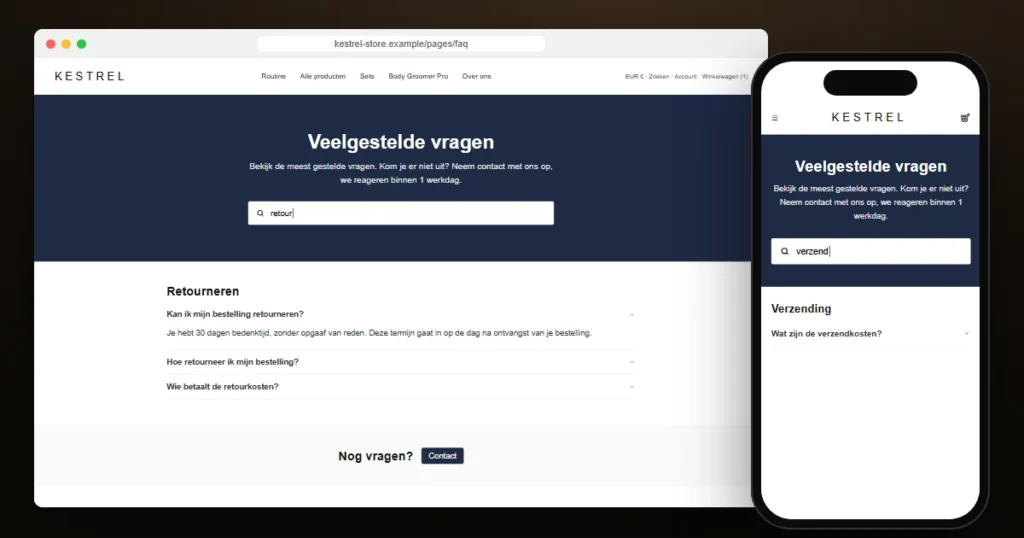
Kestrel’s FAQ page had grown to the point where shoppers scrolled past the answer they were looking for. The merchant pointed us to a competitor’s help page with a search box in the header and asked for the same: type a word, see only the questions that match.
This is the story of that Shopify FAQ search: the snippet, the bug that made the first version find nothing on the live store, and the fix that turned out to be a lesson about inline scripts in Shopify themes.
About this case study: it is a composite based on real Shopify project work. The brand name and some details have been changed. The code, the bug and the fix are exactly as they happened.
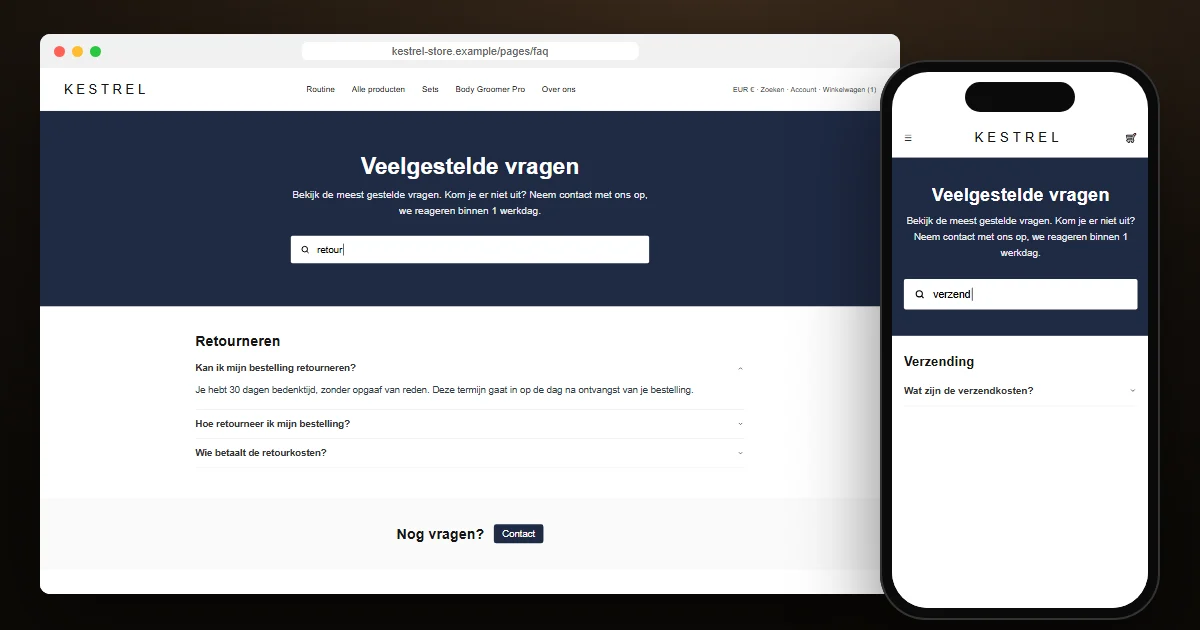
Why not use Shopify’s own search?
Shopify’s storefront search covers products, collections, pages and blog articles. Text that a merchant types into theme section blocks, which is where most FAQ sections keep their questions, is not part of that index. A shopper searching the store for “retour” finds products, not the answer about returns.
The FAQ answers are already in the page’s HTML, though. Filtering them in the browser needs no request, no app and no index. Results appear while the shopper is still typing.
Version one: a snippet and one render line
The merchant edits the theme in the code editor, so we kept the change as small as possible: one new snippet with the markup, styles and script, and one line in the FAQ section to render it.
{%- render 'faq-search', section: section -%}
<div class="faqs ...">  <!-- the theme's existing FAQ markup -->
The script is a small custom element. On every input it does four things:
- Normalises the text: lower case and without accents, so “e” also finds “é”.
- Splits the query into words and keeps a question only if it contains all of them, in the title or in the answer.
- Hides a whole category, heading included, when none of its questions match.
- Shows a “no questions found” message with a nudge to contact support when nothing matches at all.
We tested it against a copy of the FAQ markup in a headless browser. Every query returned the right questions. We sent it over.
The screenshot
The reply came with a screenshot. The merchant had pasted a full sentence from one of the answers into the search box. The page showed “no questions found”, and every single question was still visible underneath it. Nothing was hidden, and nothing was found.
Both symptoms pointed to the same thing: the script believed the page had no questions. We opened the live page and asked the element directly. The page had two FAQ groups with seven questions. The search element’s own list of groups was empty.
The cause: an inline script that runs too early
The snippet renders above the questions, and its <script> tag sits inside the snippet. The browser parses the HTML from top to bottom. When it reaches the script, it defines the custom element, and because the <faq-search> element is already in the document, its connectedCallback runs immediately. At that moment, the parser has not yet reached the questions below it.
Our first version looked up the FAQ groups in connectedCallback and stored them. It stored an empty list, once, forever. Our test had passed because the test page happened to put the script after the questions.
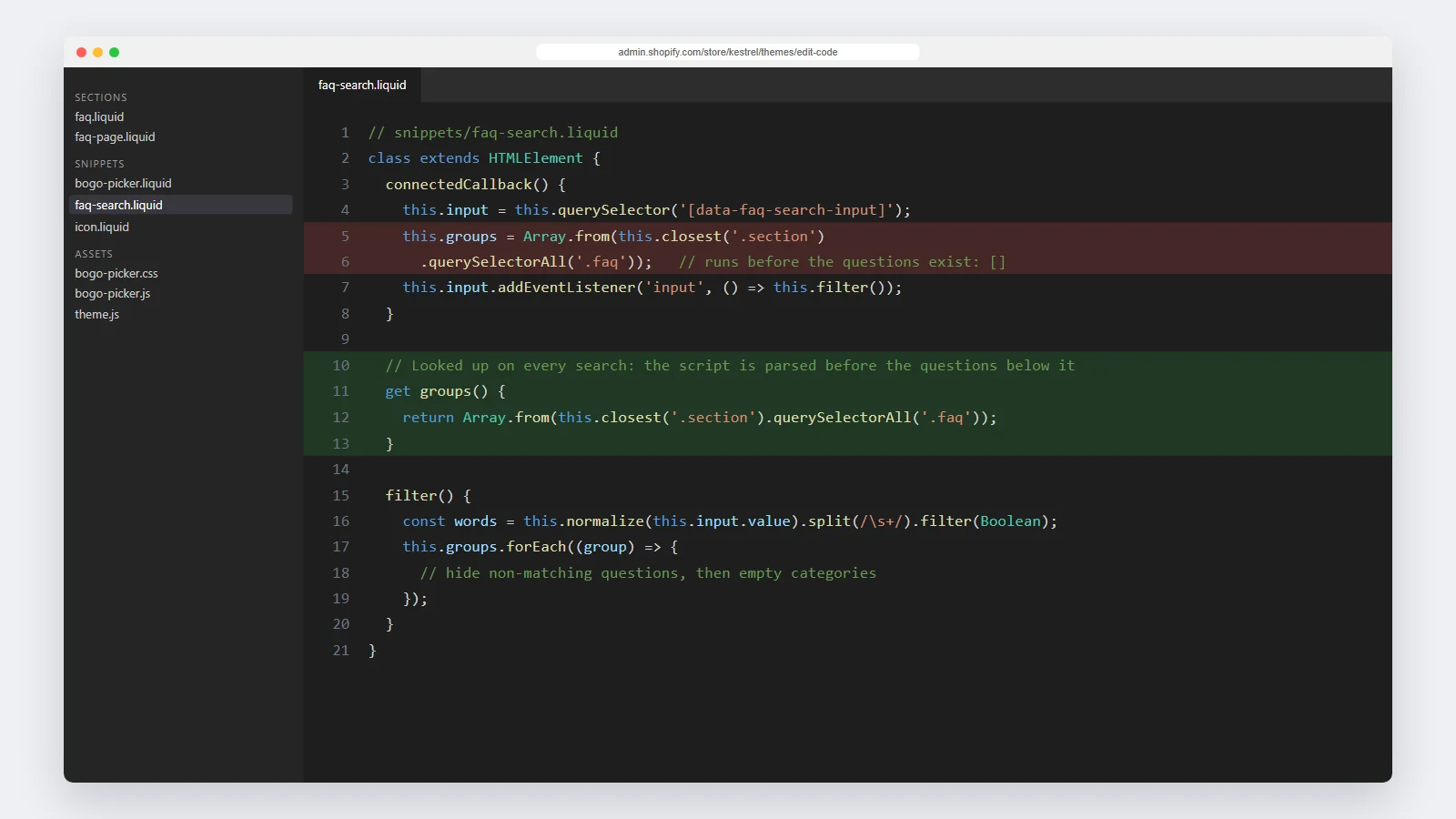
The fix is one getter. Instead of storing the groups when the element connects, the script looks them up each time the shopper types:
get groups() {
  return Array.from(this.closest('.section').querySelectorAll('.faq'));
}
By the time anyone types, the page is fully parsed. The lookup costs next to nothing for a few dozen questions, and it also keeps working when the theme editor re-renders the section while the merchant edits it, which a cached list would not.
A second, quieter bug
While moving the code into its final snippet, we found one more problem. The CSS rule that hid filtered items was written as .faq [data-faq-hidden], with a space. That hides questions inside a group, but not the group itself, so a category heading could stay visible with nothing under it. The rule now covers both: .faq [data-faq-hidden], .faq[data-faq-hidden].
Testing it where it lives
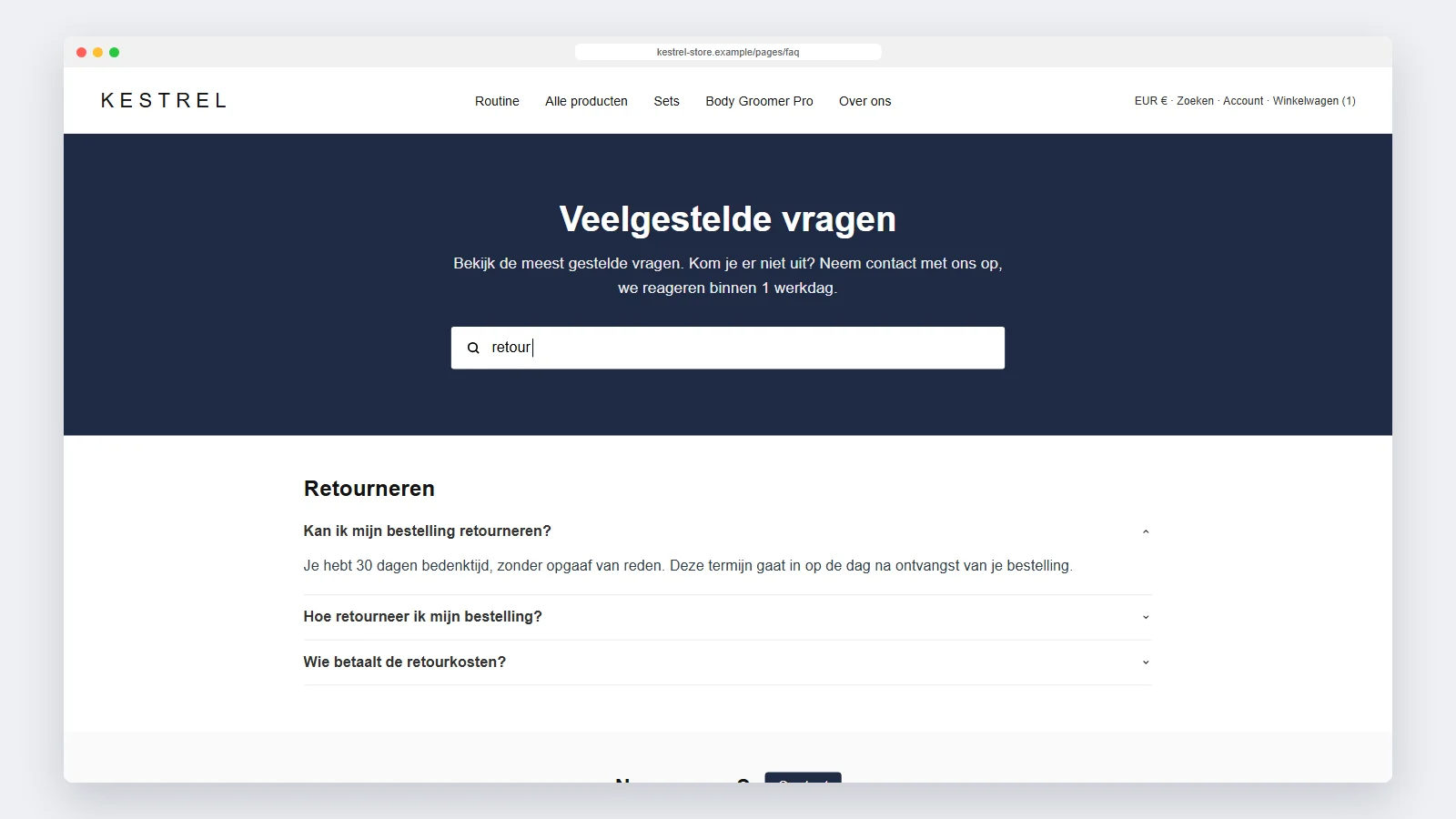
This time we tested on the live FAQ page itself, by running the corrected logic in the browser against the real markup, before asking the merchant to change anything.
| “levertijd” | Only the delivery-time question |
| “garantie” | The warranty questions from two different categories |
| “€70 gratis” | Only the shipping-costs question, matched on its answer |
| “retour” | Only the returns question, the other category hidden |
| “xyz” | Nothing, with the “no questions found” message |
What we took away from it
- Test in the order the real page uses. A custom element defined in an inline script sees only the HTML above it.
- Do not cache DOM lookups in
connectedCallbackunless you know the content already exists. A getter is simpler than waiting forDOMContentLoadedand survives theme-editor re-renders. - When a merchant sends a screenshot, read both symptoms together. “No results” plus “nothing hidden” narrowed the bug down before we opened the console.
The search went on to become part of a full help-centre page; we wrote about that in our Shopify FAQ page template case study. For the product-page offer we built for the same store, see the buy one get one free picker. If your FAQ or any other part of your theme needs work like this, see our Shopify theme development service.
Frequently asked questions
Does a FAQ search bar hurt SEO?
No. All questions and answers stay in the HTML. They are only hidden in the shopper’s browser after the shopper types a query.
Do I need an app to add search to a Shopify FAQ page?
No. Because the questions are already on the page, a small script can filter them. That is faster than an app and adds no monthly cost.
Will it work with a large FAQ?
Yes. Filtering a few hundred questions in the browser is instant. Beyond that, splitting the FAQ into several pages is usually better for the shopper anyway.
Does it search the answers as well as the questions?
Yes. Each question is matched on its title and its answer text, without accents, and all words in the query must appear.