
Selling e-paper subscriptions sounds simple until you list the payment methods your customers actually use. A publisher in Europe wants cards and PayPal; a publisher in Bangladesh needs SSLCommerz for local cards and mobile banking, and bKash. For Inkfold 1.1 we built one checkout that speaks to all four, without a single gateway SDK.
One interface, four small classes
Every gateway implements the same five methods: a key, a label, whether it is configured, which currencies it accepts, start(), which returns the URL to send the reader to, and confirm(), which asks the gateway whether a returning payment was really paid. Each class talks to its API with Laravel’s HTTP client, so there are no vendor SDKs to update and the whole integration is a few hundred readable lines.
A gateway is offered only when three things are true: the publisher switched it on in the settings, its API keys are present in .env (keys never go into the database), and it accepts the site’s currency. bKash only takes taka, so on a dollar site it simply does not appear.
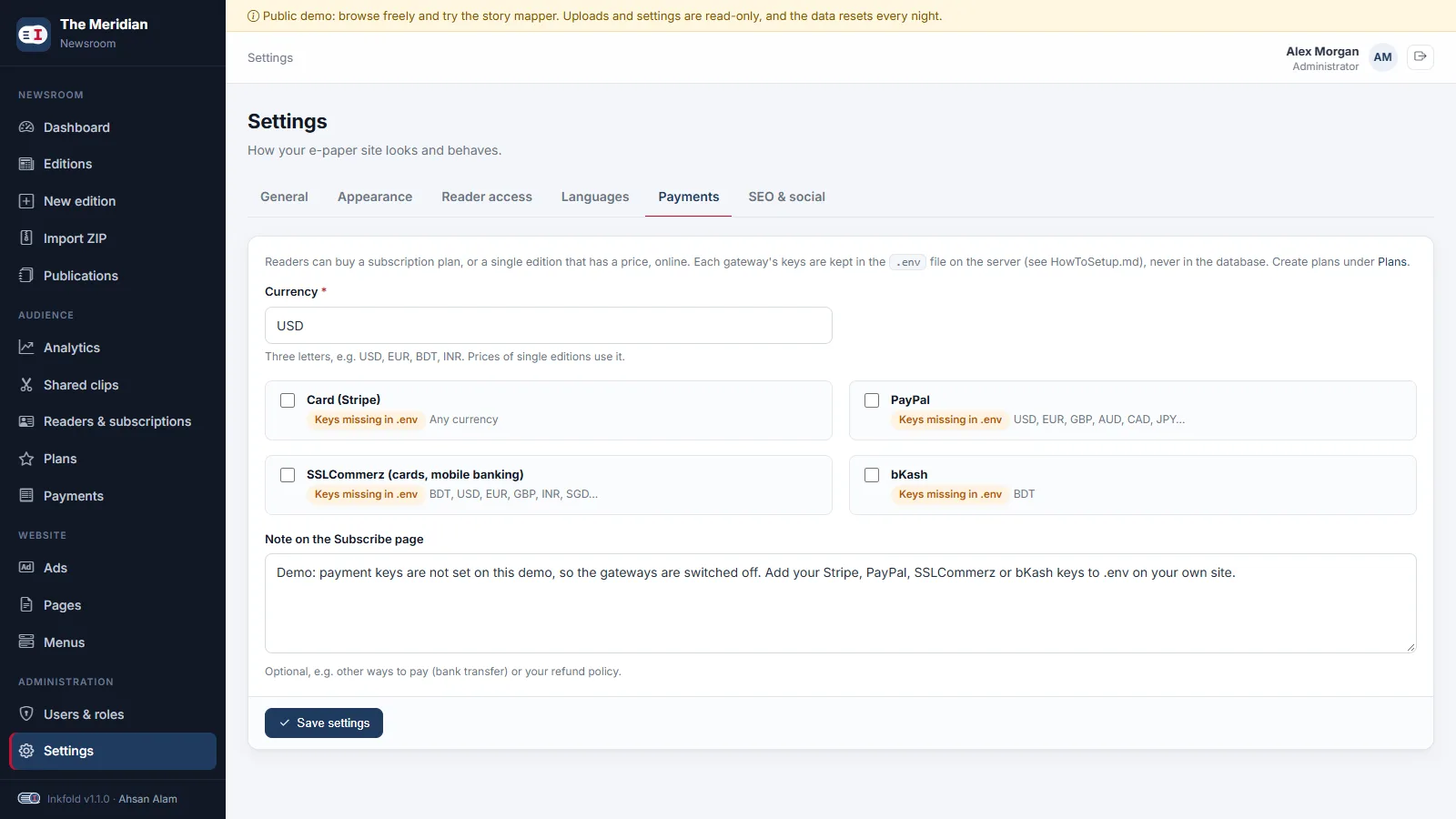
A pending payment before anything leaves the site
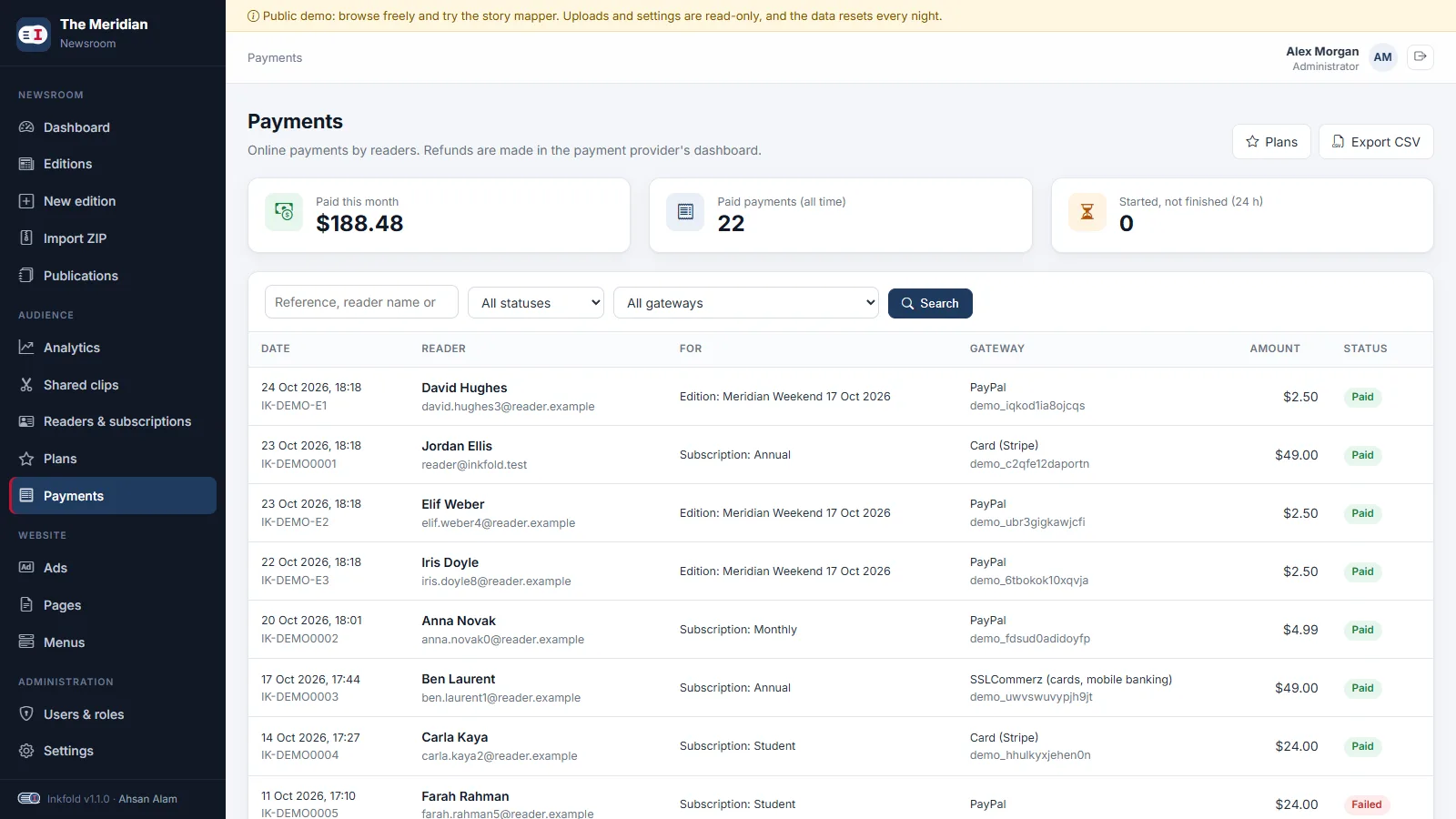
When a reader chooses a plan or a single edition, Inkfold first records a pending payment with an unguessable reference, the amount and the currency, then asks the gateway to start. Each gateway carries that reference back: Stripe as the Checkout Session’s client reference, PayPal as the order’s custom ID, SSLCommerz as the transaction ID and bKash as the merchant invoice number.
Never trust the return URL
A reader arriving back on the success page proves nothing; anyone can type that URL. So confirm() always asks the gateway. Stripe’s session must say paid, with our reference, the exact amount in minor units and the right currency. PayPal’s order is captured on our side and the captured amount checked. SSLCommerz’s validation API must answer “VALID” for the same transaction and amount. bKash’s payment is executed after its callback and must come back “Completed”. A Stripe webhook covers readers who close the browser before returning; its HMAC signature is verified with a five-minute tolerance.
Applied exactly once
The return page and the webhook can arrive at the same moment, and readers double-click. Applying a payment happens in a database transaction that locks the payment row, checks it is not already paid and only then marks it paid. A plan extends the subscription from its current end date, or from today if it has lapsed; a single-edition purchase unlocks that edition for that reader. A receipt email goes out afterwards, and a mail failure can never undo a payment.
Tested without real money
The test suite fakes each gateway’s API and walks the whole loop: checkout, redirect, return, verification and the subscription date. It also checks the failures that matter: a wrong PayPal token, a Stripe webhook with a bad signature or a smaller amount, a cancelled bKash payment, and a second webhook that must not extend the subscription again.
Key takeaways
- Hide each gateway behind one small interface instead of pulling in four SDKs.
- Keep API keys in the environment and offer a gateway only when it is configured and accepts the currency.
- Verify every payment with the gateway, never with the return URL alone.
- Apply payments in a locked transaction so retries and webhooks are harmless.
Earlier in the series: clickable print adverts. See the plans page in the Inkfold demo (gateways are switched off there); the software is on Charming Theme.
Need SSLCommerz, bKash, Stripe or PayPal in your Laravel or WooCommerce site? Let’s Talk — ArtinTech Solution integrates payment gateways every week.