
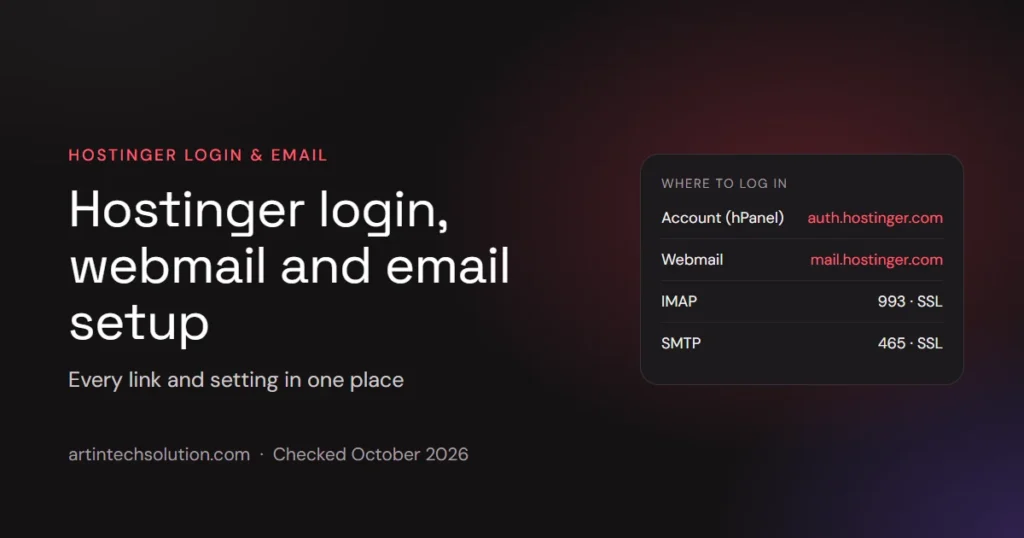
Hostinger has two separate logins that people often mix up: your Hostinger account (hPanel), where you manage hosting, domains and billing, and Hostinger Mail (webmail), where you read the email for your own domain. This page collects the correct login links, the email server settings and the fixes for the most common sign-in problems, checked on October 16, 2026.
Disclosure: ArtinTech Solution is a Hostinger partner. If you buy through our link we may earn a commission, at no extra cost to you. It never changes what we recommend, and this website runs on Hostinger too.
Hostinger login links at a glance
| What you want to do | Where to go | What you sign in with |
|---|---|---|
| Manage hosting, domains, billing (hPanel) | auth.hostinger.com/login | Your Hostinger account email and password, or Google, Facebook or GitHub |
| Read and send email in the browser (webmail) | mail.hostinger.com | The full mailbox address and the mailbox password |
| Connect email to Outlook, Apple Mail, a phone | IMAP / POP3 / SMTP settings below | The full mailbox address and the mailbox password |
Typing hpanel.hostinger.com also works: it redirects to the same account login page. Note that hostinger.com/login returned “page not found” when we tried it, so do not bookmark that one.
How to log in to Hostinger (hPanel)
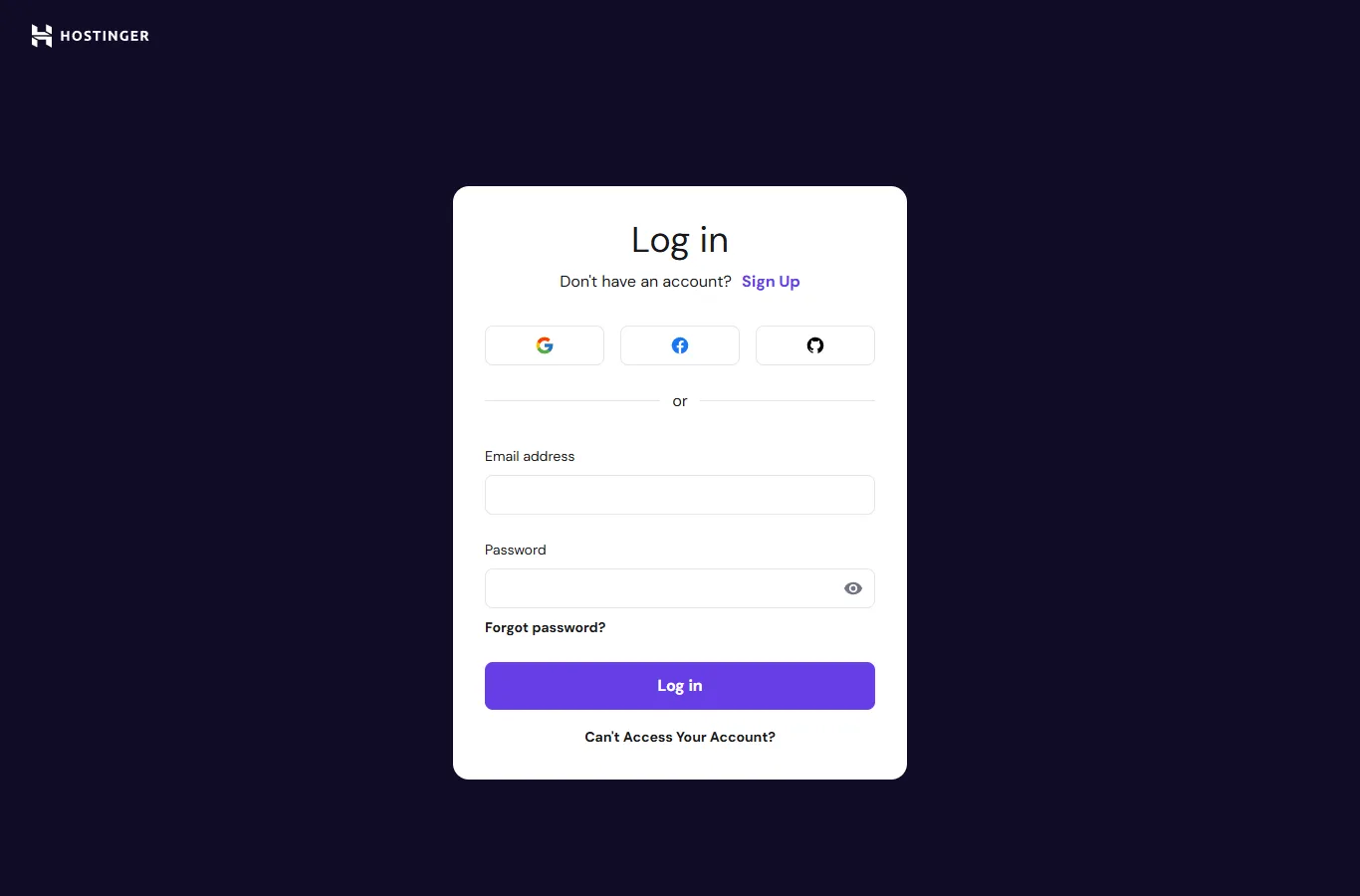
- Go to auth.hostinger.com/login (or type hpanel.hostinger.com).
- Sign in with the method you used when you created the account. If you signed up with Google, Facebook or GitHub, use that button; there is no separate password unless you set one.
- If two-factor authentication is on, enter the code from your authenticator app.
- You land in hPanel, where you will find Websites, Domains, Emails, VPS and Billing.
Forgot the password? Use Forgot password? under the password field. If you no longer have access to the account email, the Can’t Access Your Account? link starts Hostinger’s recovery process.
Hostinger webmail login (Hostinger Mail)
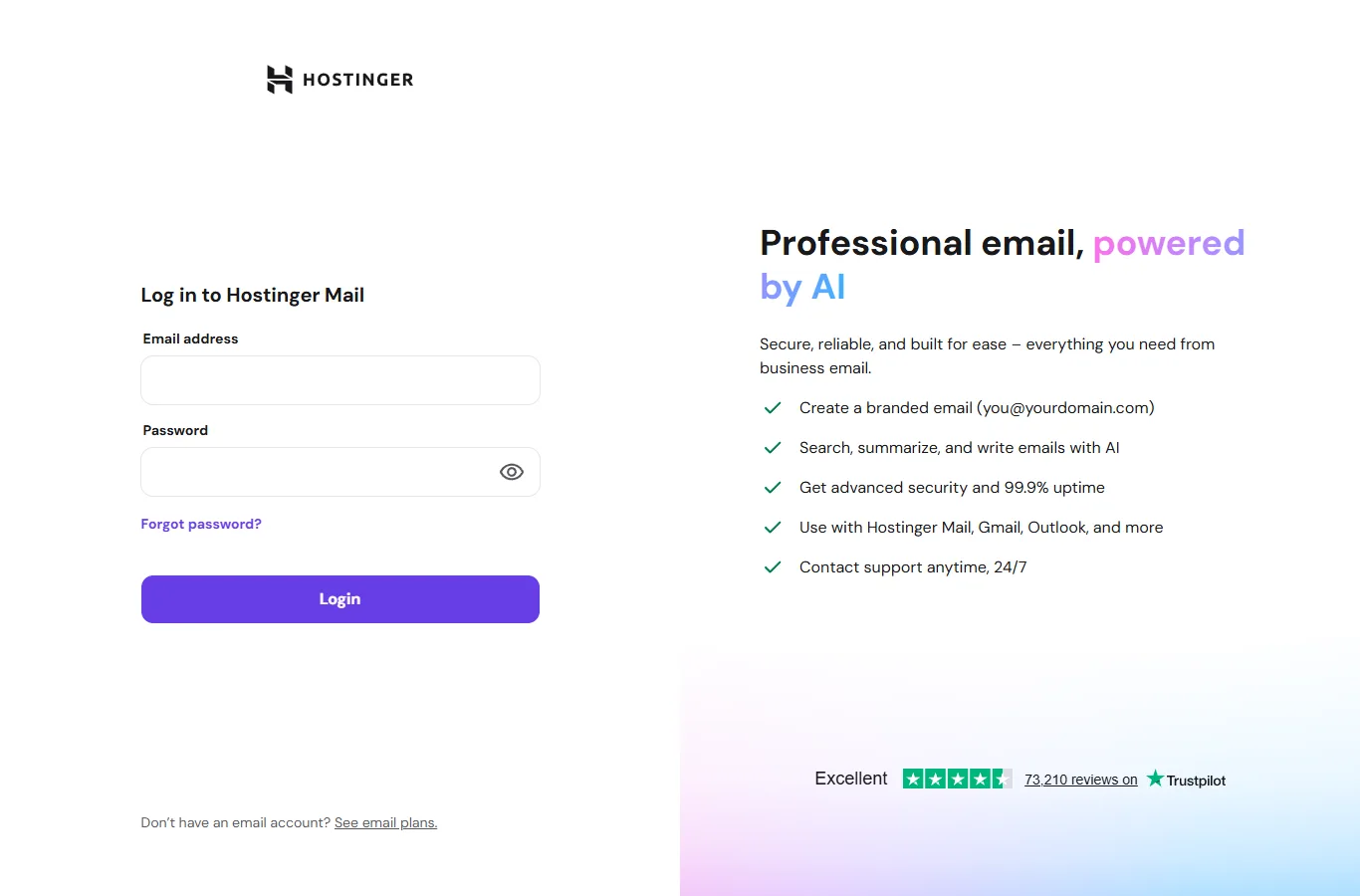
Webmail is for mailboxes on your own domain, such as you@yourbusiness.com. Sign in at mail.hostinger.com with the full email address and the mailbox password. This is not your hPanel password: each mailbox has its own password, which you set when you create the mailbox and can reset in hPanel under Emails.
Hostinger email settings: IMAP, POP3 and SMTP
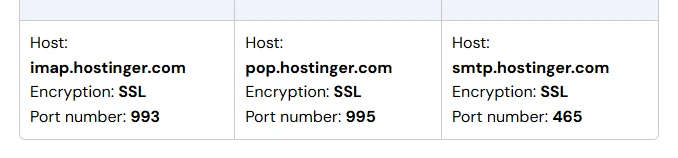
To use your Hostinger email in Outlook, Apple Mail, Thunderbird or a phone, you need these server settings. They come from Hostinger’s own setup guide:
| Server | Host name | Port | Encryption |
|---|---|---|---|
| Incoming (IMAP), recommended | imap.hostinger.com | 993 | SSL |
| Incoming (POP3) | pop.hostinger.com | 995 | SSL |
| Outgoing (SMTP) | smtp.hostinger.com | 465 | SSL |
| Outgoing (SMTP), fallback | smtp.hostinger.com | 587 | TLS / STARTTLS |
- Username: the full email address, not just the part before the @.
- Password: the mailbox password, or an app password if the mailbox uses two-factor authentication.
- Use IMAP if you read mail on more than one device; it keeps every device in sync. POP3 downloads mail to one device.
- In hPanel the same details are under Emails → Manage → Connect Apps & Devices.
Hostinger email in Gmail
Google has retired the Gmailify and POP-fetch features in Gmail on the web, so the old “Check mail from other accounts” setup no longer works for many people. Hostinger’s current advice is to add the mailbox to the Gmail mobile app with IMAP, or use a desktop client such as Thunderbird or Outlook.
Hostinger email plans: what you get
Many hosting plans already include mailboxes: Premium includes 2 mailboxes per website and Unlimited includes unlimited mailboxes, both free for the first year. If you need email on its own, or more storage, Hostinger Mail has three plans:
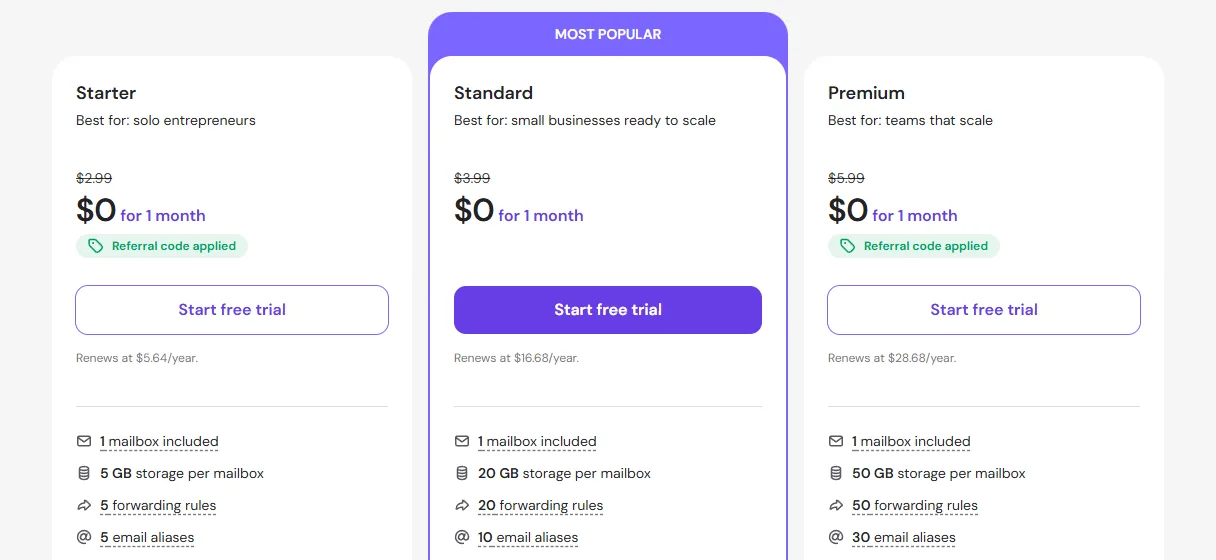
| Plan | Mailboxes | Storage per mailbox | Forwarding rules | Aliases |
|---|---|---|---|---|
| Starter | 1 included | 5 GB | 5 | 5 |
| Standard | 1 included | 20 GB | 20 | 10 |
| Premium | 1 included | 50 GB | 50 | 30 |
Each plan started with a free 30-day trial, and the renewal price is shown under each plan before you sign up. Standard and Premium add AI features such as smart replies and read receipts.
Hostinger login problems and fixes
- “Wrong password” in webmail: you are probably using the hPanel password. Reset the mailbox password in hPanel → Emails.
- Signed up with Google, now asked for a password: use the Google button on the login page instead of the form.
- Email app cannot send: change SMTP to port 587 with TLS/STARTTLS. Some networks block port 465.
- Mail does not arrive at all: the domain must point to Hostinger and have Hostinger’s MX records. Check this under Emails in hPanel; it is the first thing Hostinger’s own guide asks you to confirm.
- Locked out after too many attempts: wait a few minutes before trying again, then use Forgot password.
Frequently asked questions
What is the Hostinger login URL?
The account login is auth.hostinger.com/login; hpanel.hostinger.com redirects there. Webmail is mail.hostinger.com.
Is the Hostinger email login the same as hPanel?
No. hPanel uses your Hostinger account. Webmail and email apps use the mailbox address and that mailbox’s own password.
What are Hostinger’s SMTP settings?
smtp.hostinger.com, port 465 with SSL. If that fails, use port 587 with TLS or STARTTLS. The username is the full email address.
Can I use Hostinger email on my phone?
Yes. Add an IMAP account with imap.hostinger.com on port 993 (SSL) for incoming mail and smtp.hostinger.com on port 465 (SSL) for outgoing mail.
Do Hostinger hosting plans include email?
Yes. On the day we checked, Premium included 2 mailboxes per website and Unlimited included unlimited mailboxes, free for the first year. Compare the plans in our Hostinger review, and if you are signing up, see this month’s best Hostinger deal.