
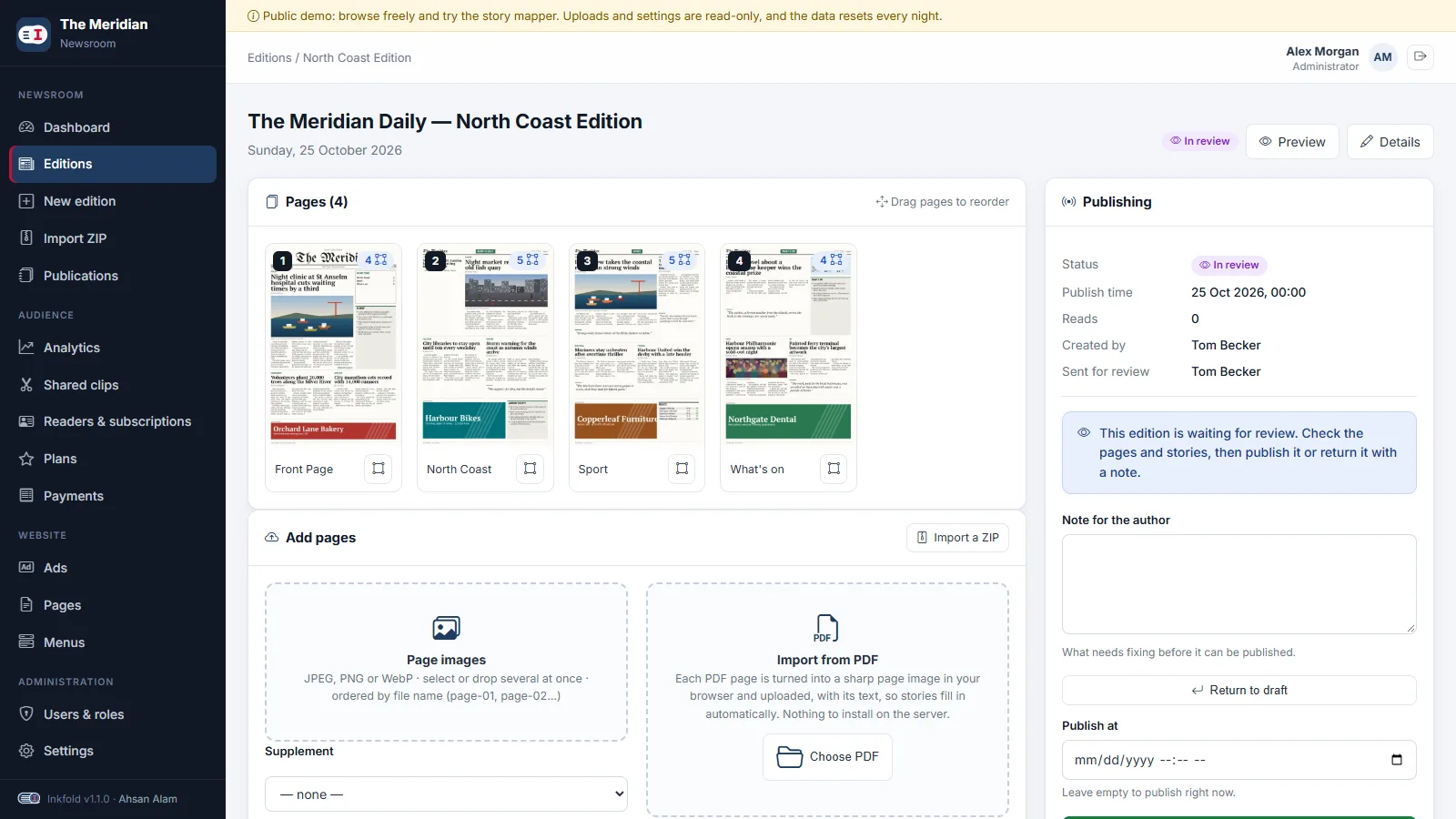
In most newsrooms the person who uploads the pages is not the person who signs off on them. Version 1.0 of Inkfold had drafts and published editions and relied on people talking to each other in between. Version 1.1 adds what newsrooms actually do: send for review, return with a note, publish.
A third state, not a second flag
It is tempting to add a boolean “needs review” next to the status. We added a third value to the status itself instead: draft, in review, published. A boolean would allow impossible combinations, such as a published edition that needs review, and every query would have to remember to check both. With one field, the existing rule that only published editions whose publish time has passed are visible to readers keeps working untouched: an edition in review is simply not published.
Two columns travel with the state: who sent the edition for review, and the reviewer’s note. The note is cleared when the edition is sent again or published, so an old remark never confuses the next round.
Roles built from small abilities
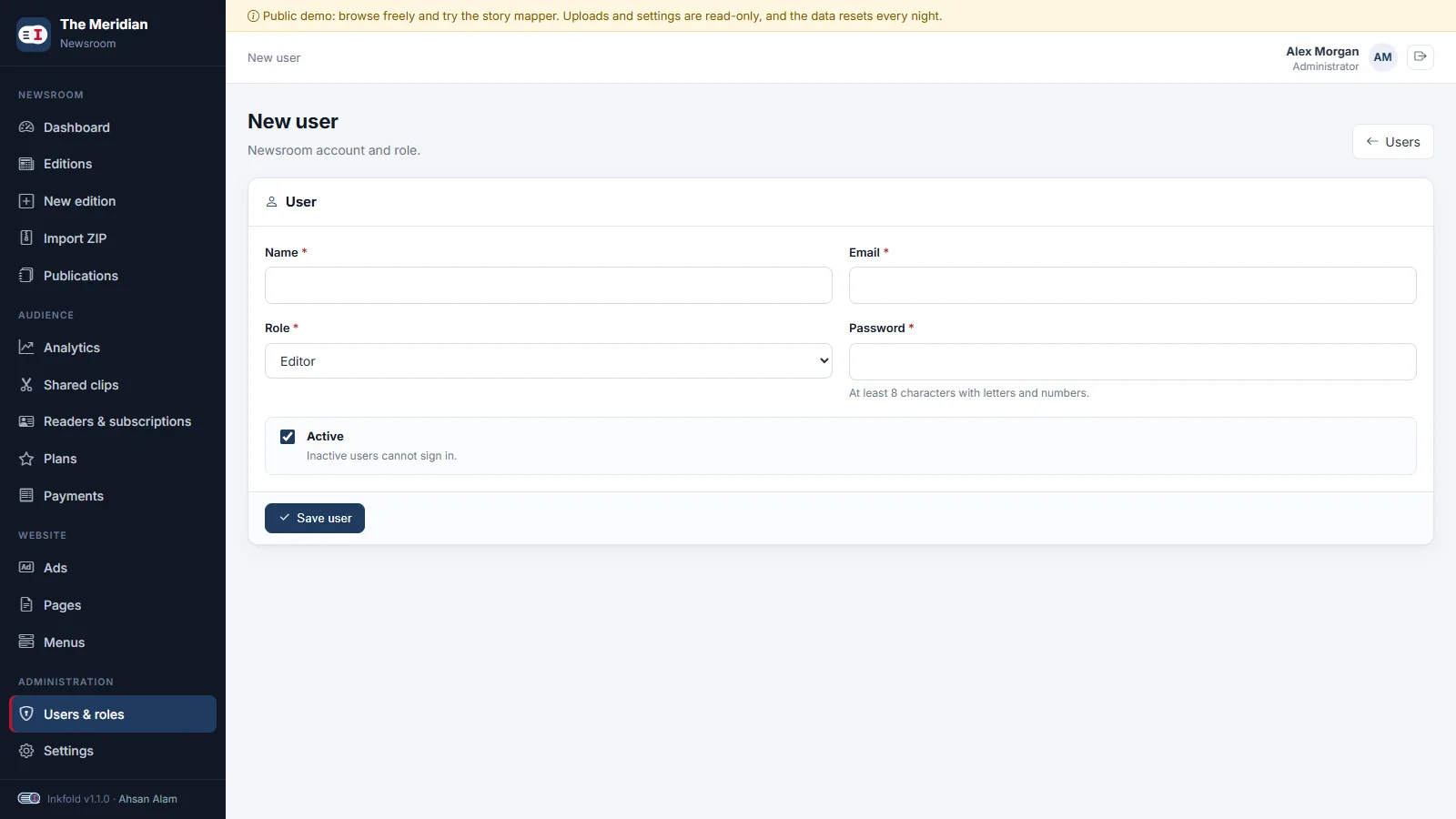
Roles are lists of abilities, and routes are grouped by ability, not by role name. Splitting the old “manage editions” ability into three made the new role almost free:
- stories.edit — open editions and pages, draw and correct story regions, send for review.
- issues.manage — create editions, upload, import, reorder and delete pages.
- issues.publish — publish, schedule, unpublish, approve or return a review.
A Page Uploader has the first two, an Editor all three, and the new Proofreader only the first: they can fix a misspelt headline or a misplaced box, but cannot upload, delete or publish. Views use the same abilities, so a Proofreader never sees an upload form they could not submit.
Transitions that refuse to go wrong
Each transition checks its starting state on the server: only a draft can be sent for review, and only an edition in review can be returned. An edition without pages cannot be sent at all. Publishing works from draft or review, so an editor can still publish directly at two in the morning. When the edition goes live, readers who asked for it get an email once, a step we cover in the last post of this series.
Tested per role
Each role has a feature test that walks the workflow and tries the forbidden routes: the uploader sends an edition for review and cannot return it, the editor returns it with a note that the uploader then sees, and the proofreader corrects a headline but gets 403 on uploads, deletion and publishing.
Key takeaways
- Model workflow as states of one field, so impossible combinations cannot exist.
- Define roles as lists of small abilities and protect routes by ability.
- Validate every transition’s starting state on the server.
- Test each role against the routes it must not reach.
Earlier in the series: a story mapper driven by the keyboard. Sign in as the editor in the Inkfold demo to see an edition waiting for review; the software is on Charming Theme.
Need approval workflows or fine-grained roles in your Laravel application? Let’s Talk — ArtinTech Solution builds them every month.