
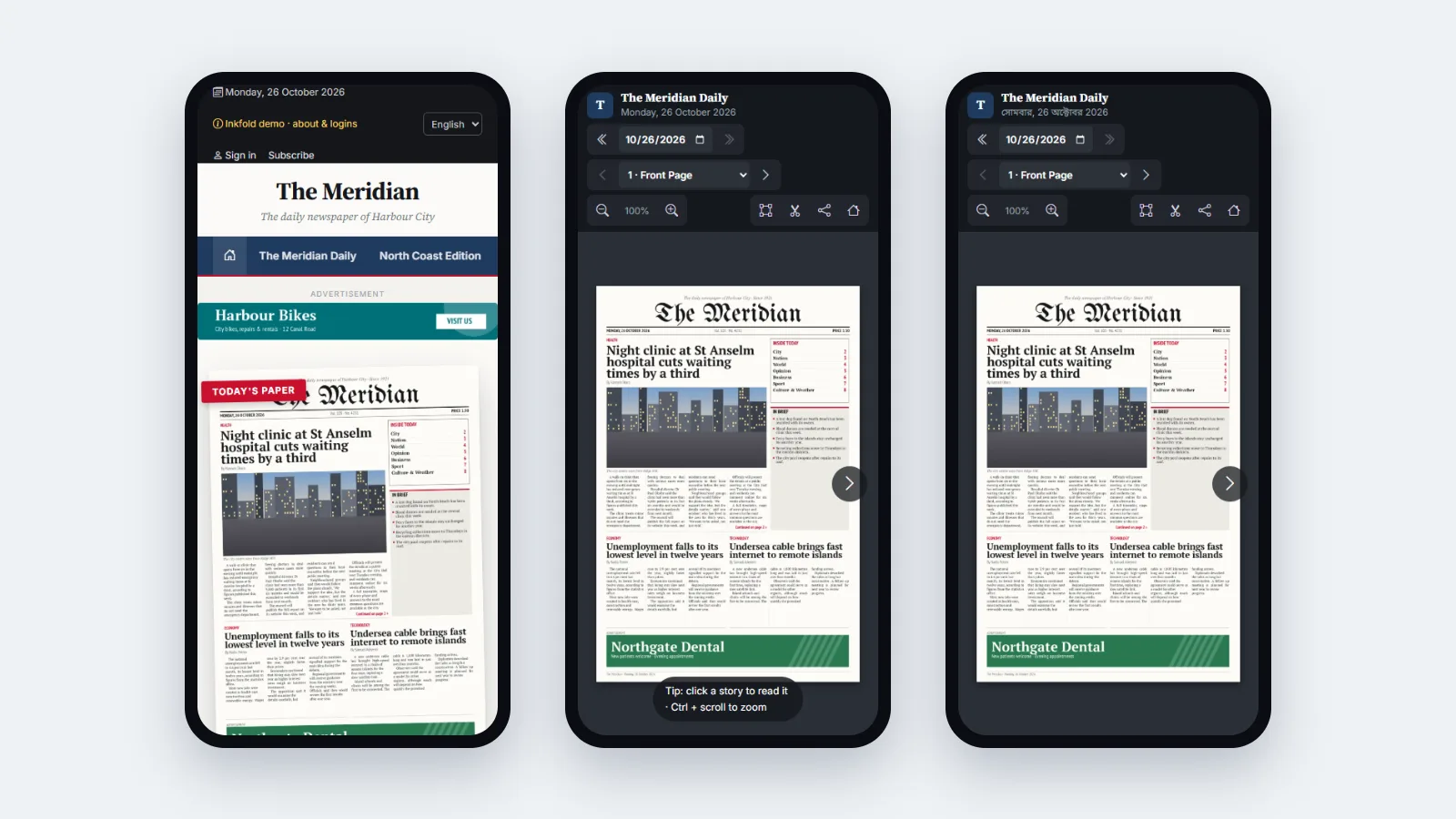
The most common complaint about reading a newspaper online is not the design; it is the tunnel. Readers open the edition at home and finish it on a train that loses signal between stations. In Inkfold 1.1 we turned the e-paper into an installable web app that keeps the edition you opened readable offline. No app store, no separate codebase.
A manifest generated from the newsroom settings
The web app manifest is a route, not a static file. It takes the site name, tagline and brand colour from the publisher’s settings and lists three icons: a scalable SVG, and 192- and 512-pixel PNGs, the larger one marked as maskable so Android can crop it to any shape. Changing the newspaper’s name in the newsroom changes the installed app’s name, with nothing to rebuild.
A service worker with three simple rules
We kept the service worker small enough to read in one sitting:
- Page images and assets are cache-first. Their file names contain a random part and never change, so a cached copy is always correct.
- HTML is network-first. Readers always get today’s front page when online; the cached copy is used only when the network fails.
- The newsroom and reader accounts are never cached. Requests to the admin panel and account pages go straight to the network.
Caches are named with a version, and an old version is deleted when a new service worker activates, so a release never leaves stale files behind.
The reader asks for the whole edition
Caching only what the reader happened to look at would leave holes. So when an edition opens, the reader script sends the service worker a message with the medium-size image of every page the visitor may see, and the worker downloads the missing ones in the background, up to eighty per edition. Locked premium pages are never in that list, because their images are never sent to a visitor without access in the first place.
Saving stories for later
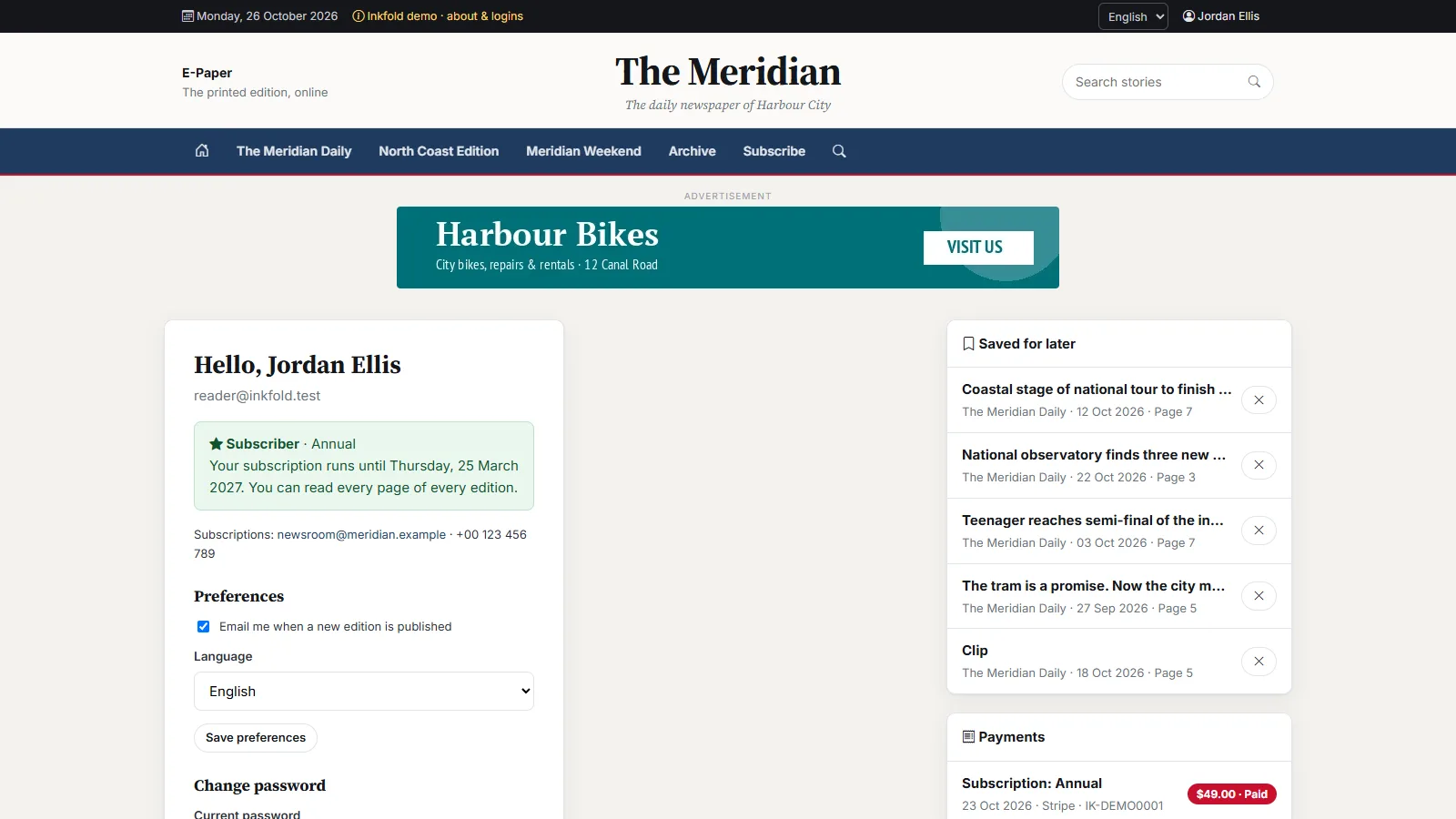
Offline reading pairs naturally with a reading list. Signed-in readers can now save a story or a clip with one tap; the item appears on their account page with its publication, date and page. The endpoint is idempotent, so a double tap does not save the same story twice, and it checks access first: a story on a locked page of a premium edition cannot be saved by someone who cannot read it.
Key takeaways
- Generate the manifest from settings so the installed app follows the brand.
- Cache-first for immutable files, network-first for HTML, nothing for private areas.
- Let the page tell the service worker what a complete offline copy needs.
- Never cache, or even send, content the visitor is not allowed to see.
Earlier in this series: a two-page spread viewer. Install the Inkfold demo from your phone’s browser menu to try it; the software is on Charming Theme.
Want your publication on readers’ home screens? Let’s Talk — ArtinTech Solution builds progressive web apps for publishers.