
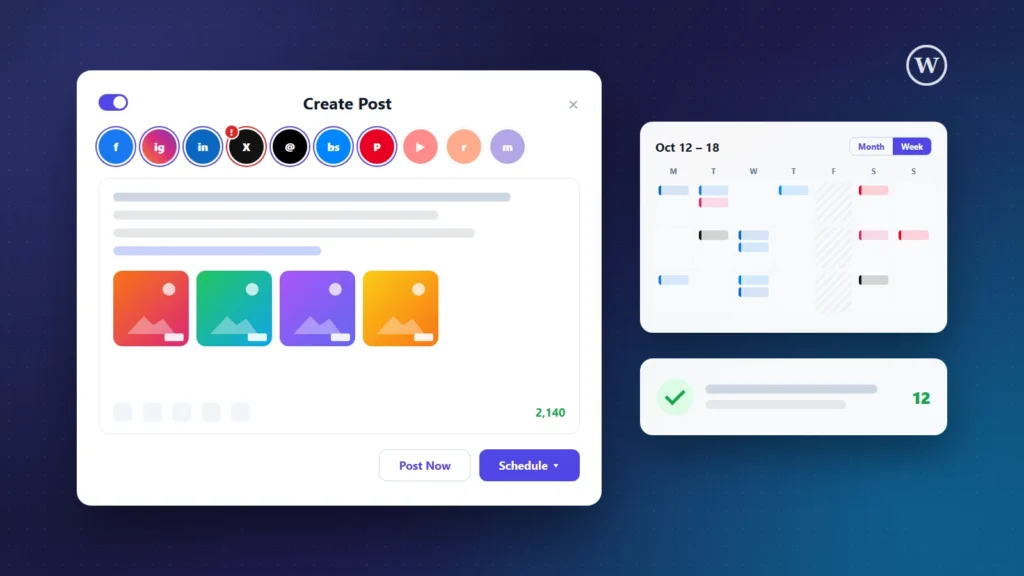
Most businesses we work with need three or four browser tabs to publish one announcement: Facebook in one, LinkedIn in another, and a SaaS scheduler that charges for every extra channel and every extra colleague. For our own agency we wanted the opposite: one Create Post button inside WordPress that sends a post to every network, on time, without a per-seat subscription.
This article walks through the WordPress social media scheduler plugin we designed and built in-house: what it does, how it stays light on hosting, and what we learned connecting 12 social media APIs. If you want the same tool inside your own website, we build it for clients too.
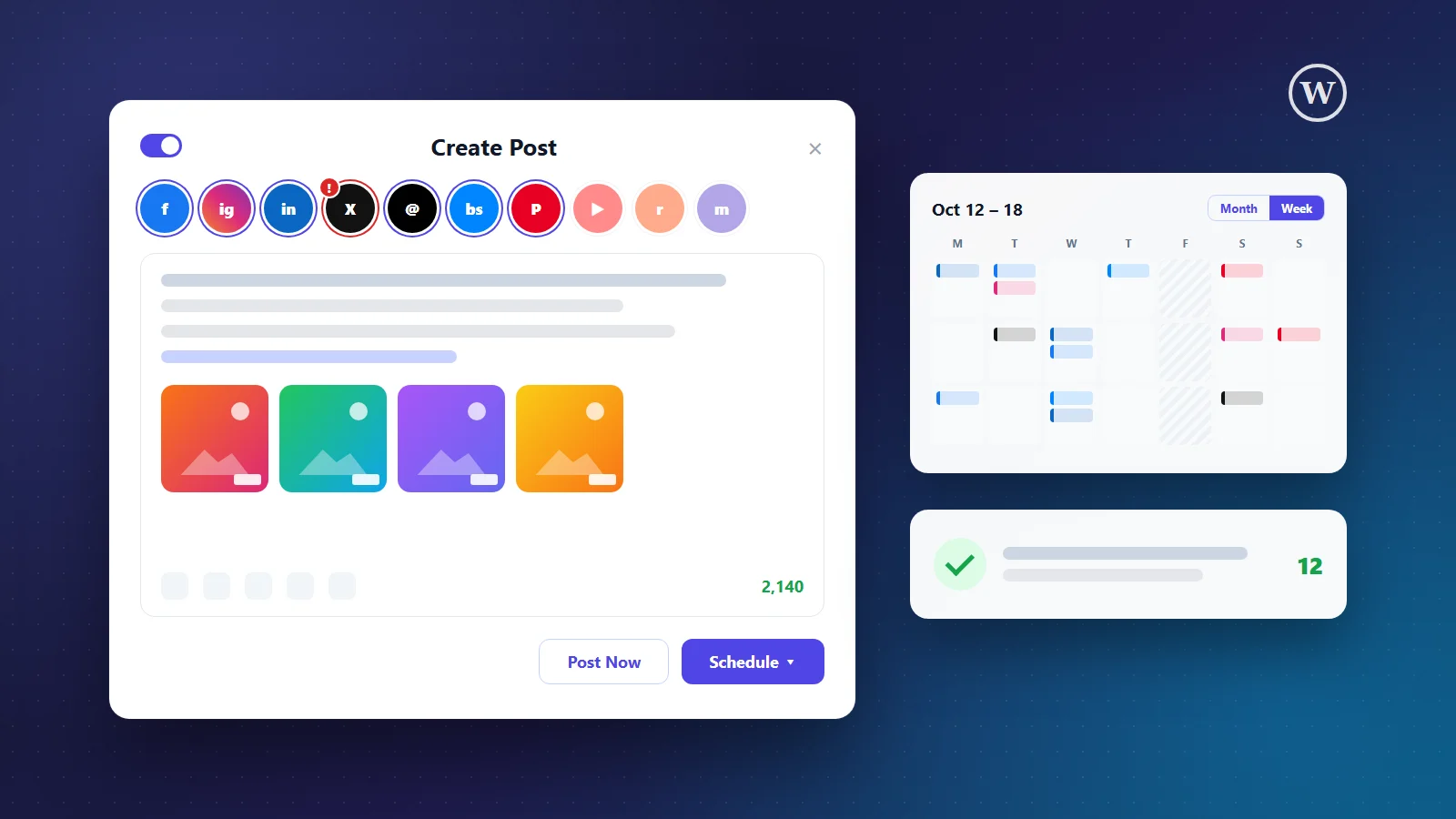
About this article: the plugin runs on our own website, artintechsolution.com. The cover image is an illustration. The features are described exactly as built and tested.
The project at a glance
| Goal | One place inside WordPress to write, schedule and publish social media posts |
| Networks | Facebook Pages, Instagram, Threads, LinkedIn, X, TikTok, YouTube, Pinterest, Reddit, Bluesky, Mastodon, Google Business Profile |
| Built with | A custom WordPress plugin, WP-Cron and each network’s official API (OAuth 2.0) |
| Highlights | Month and week calendar, carousels, per-network text and images, approvals, automatic retries, failure alerts |
| Hosting impact | One short background check every 5 minutes; image editing happens in the browser |
| Running cost | No per-channel or per-seat subscription; only each network’s own API terms |
Why build a scheduler inside WordPress instead of renting one?
SaaS schedulers such as Buffer, Hootsuite or SocialBu are good products. For many companies, though, three things make a custom WordPress plugin the better fit:
- Costs that do not grow with you. Most tools charge per channel or per team member. A plugin you own has no extra monthly fee for the next account or the next colleague.
- Your content stays on your server. Drafts, images and access tokens live in your own WordPress database, not in someone else’s cloud.
- It fits how you already work. Your articles, media library and team logins are already in WordPress, so sharing a new blog post is one click from the post editor.
12 social networks from one composer
The plugin publishes through each network’s official API:
- Facebook Pages and Instagram: feed posts, Reels, Stories and carousels
- Threads, X, Bluesky and Mastodon: including multi-part threads
- LinkedIn: posts with one or several images
- TikTok and YouTube: videos, including Shorts, and TikTok photo posts
- Pinterest, Reddit and Google Business Profile
Accounts connect through a Connect button that opens the network’s own login popup (OAuth). Tokens refresh automatically, the composer shows each account’s real profile picture, and a red banner appears on the dashboard if an account ever needs to be reconnected.
A Create Post window your team will actually use
We modelled the composer on the best SaaS tools: choose the accounts, write once, and the plugin adapts the post for every network.
- Customize per network: a different text, or a different image (square for Instagram, tall for Pinterest), for any account.
- Live checks: a character counter for each network, and a red ring on an account’s avatar when something would fail, such as text that is too long or a missing video.
- Carousels: up to 10 images on Instagram, Facebook, LinkedIn, Threads and TikTok, and 4 on Bluesky and Mastodon.
- A built-in image editor: one-click crops (1:1, 4:5, 9:16, 2:3 and 1.91:1), automatic JPEG conversion and your logo as a watermark. It all runs in the browser, so your server does no heavy lifting.
- Link previews, emoji, hashtag suggestions, alt text and first comments, plus an optional AI writing assistant.
- Templates for the posts you write every week.
- Drag and drop, or paste a screenshot straight into the editor.
Scheduling that thinks ahead
- A calendar with month and week views: click an empty slot to schedule, drag a post to move it.
- A posting queue: set your weekly time slots once, and “Add to queue” picks the next free one.
- Best-time suggestions for each network, and no-posting days for holidays.
- A Pause button that stops everything during a crisis, and evergreen reposting for content that deserves another round.
- Bulk import from CSV, and a REST API for other systems.
Built not to fail silently
The hardest part of any scheduler is what happens when a network says no. This plugin:
- converts images into a format every network accepts (JPEG, under about 950 KB, at most 2048 px) before they are sent;
- retries automatically after temporary errors, 15 and 30 minutes later, but never posts half of a thread twice;
- warns you before you post the same text twice, because X and Threads reject duplicates;
- sends one summary email when posts fail, with the reason and a Retry link;
- can email an optional weekly report every Monday.
Made for teams and agencies
- Editors submit posts and administrators approve or reject them, with a comment thread on every post.
- Reports show what was published per network and per person, and export to CSV.
- A Share button in the WordPress post editor turns any article into a ready-to-schedule post with the title, link and featured image filled in.
- Bulk actions approve, retry or delete many posts at once.
Light on hosting, strict on security
Many WordPress plugins slow a site down with constant background jobs. We kept it to one short check every five minutes and a daily token refresh. Image work happens in the visitor’s browser, a Media Cleanup page frees disk space from images of already-published posts, and the plugin adds no scripts or styles to the public pages of your website.
Every action is protected with WordPress nonces and capability checks, all input is sanitized and all output escaped, OAuth uses PKCE where the network supports it, and access tokens are only ever sent to the network they belong to.
What you need before going live
Being clear about the setup avoids surprises later:
- Each network needs a free developer app. Meta, TikTok and LinkedIn review apps before they may post publicly; we prepare those submissions with you.
- X charges for most API access, so posting to X depends on your X API plan.
- Instagram needs a Business or Creator account linked to a Facebook Page.
How we build a social media scheduler for your business
- Discovery call: which networks, how many people, your approval rules and branding.
- Build and connect: we adapt the plugin to your site, set up the developer apps and connect your accounts.
- Test with real posts: on a test account first, then on yours.
- Handover: a short training session, written instructions and support afterwards.
Need something extra, such as your own approval steps, a link to your CRM, or a white-label version for your agency’s clients? That is exactly what custom development is for.
Frequently asked questions
Is this a plugin I can buy and install?
It is a custom plugin that we set up and adapt for each client, so it matches your networks, your team and your brand. Tell us what you need and we will send you a quote.
Which social networks are supported?
Facebook Pages, Instagram, Threads, LinkedIn, X, TikTok, YouTube, Pinterest, Reddit, Bluesky, Mastodon and Google Business Profile.
Will it slow down my website?
No. It adds nothing to your public pages, and in the background it runs one short check every five minutes.
Can several people use it?
Yes. WordPress roles decide who can create, approve and publish, and every post has a comment thread for feedback.
What happens if a post fails?
Temporary errors are retried automatically. If a post still fails, you get one email with the reason and a Retry link.
Is there a monthly fee?
There is no per-channel or per-seat subscription like with SaaS tools. Some networks, such as X, have their own API pricing, and ongoing support from us is optional.
Key takeaways
- Own your scheduler: no per-seat fees, and your content stays in WordPress.
- One composer for 12 networks, with per-network text and images.
- Automatic image fixes, retries and alerts stop silent failures.
- Built light: browser-side image editing and minimal background work.
Want a social media scheduler like this inside your own WordPress site? We build custom tools through our WordPress plugin development service, and our social media marketing team can run the content for you. Let’s talk about your channels.