

A patch fixes the flaw. It does not remove what an attacker left behind while the flaw was open. If someone got in between the first attacks and your update, your site can keep working for them even after PHP is fully patched.
What attackers leave behind
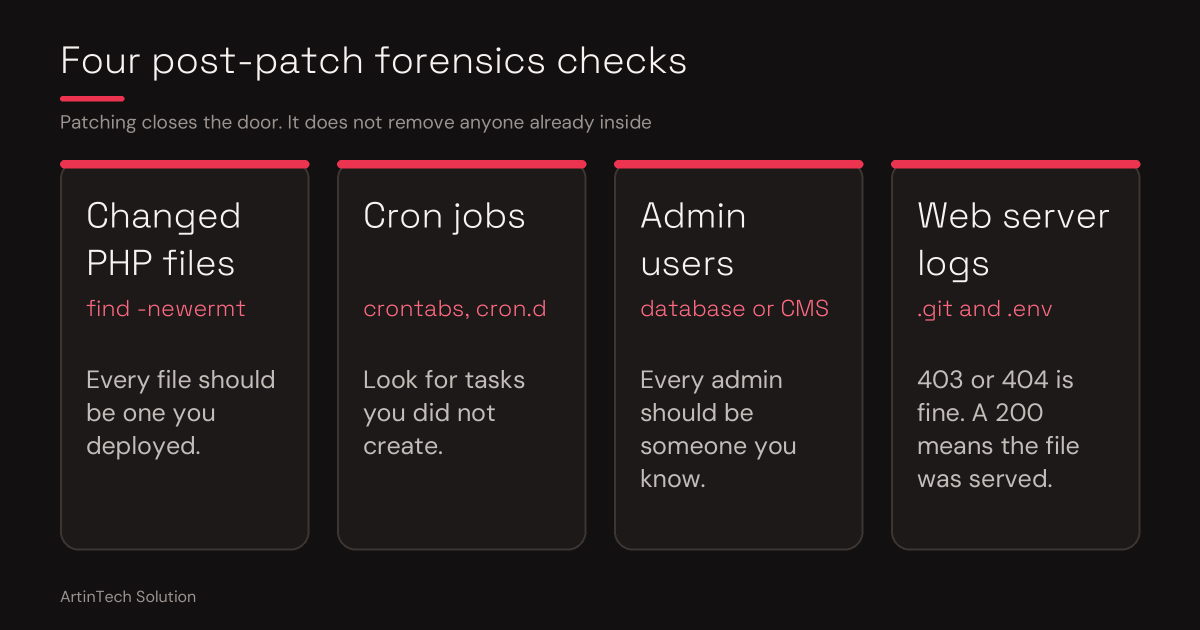
- Web shells: small PHP files that give back access, often hidden in uploads, cache or theme folders
- Unauthorized admin users added to your CMS or application
- Scheduled tasks (cron jobs) that re-download malware or re-create deleted files
- Modified core, plugin or theme files with injected code
- Stolen secrets: database passwords, API keys and anything stored in
.envor config files
A safe cleanup order
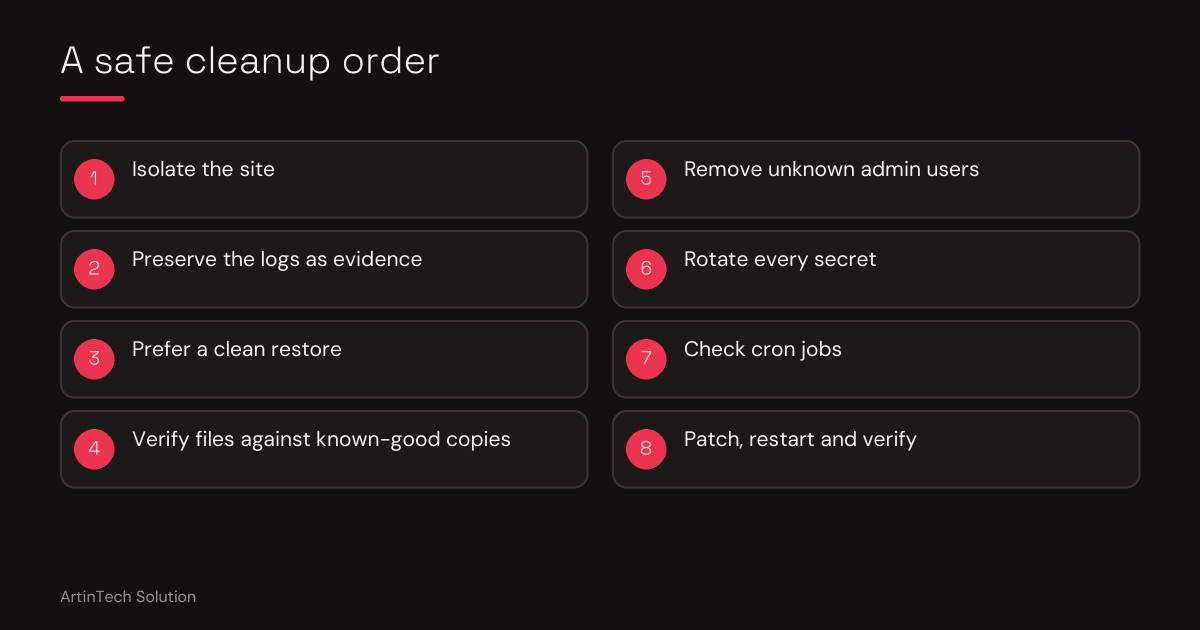
- Isolate. Put the site in maintenance mode or restrict access while you work.
- Preserve evidence. Copy the access logs and error logs before changing anything.
- Prefer a clean restore. If you have a backup from before the incident, restoring it and then patching is usually safer than hunting for every infected file.
- If you clean in place, verify files against known-good copies. On WordPress:
wp core verify-checksums
wp plugin verify-checksums --all
wp user list --role=administrator
find wp-content/uploads -name "*.php"
PHP files inside the uploads folder are a red flag on most sites. Plugin checksum verification only works for plugins from the WordPress.org directory.
- Remove unknown admin users and reset every remaining admin password.
- Rotate every secret: database password, WordPress salts and keys, API tokens, payment and email credentials.
- Check cron jobs for entries you did not create.
- Patch and restart PHP, then verify. Cleaning a site that still runs a vulnerable PHP only invites a second break-in.
Why cleanup goes wrong
The usual failure is deleting the visible file and missing the second way back in. Attackers often leave more than one. A site that is cleaned halfway keeps getting reinfected, and search engines or ad platforms may flag it in the meantime.
What ArtinTech Solution handles
- Locating hidden web shells, modified files and rogue accounts
- Deciding between cleaning in place and restoring from backup
- Rotating credentials and closing the entry point
- Updating PHP, plugins and themes, and hardening the server
- Re-checking the site after cleanup to confirm nothing came back
We work on WordPress, Laravel and custom PHP projects.
Site acting strangely after the PHP flaws? Hire ArtinTech Solution experts today for professional security audits, PHP upgrades, and emergency fixes.