
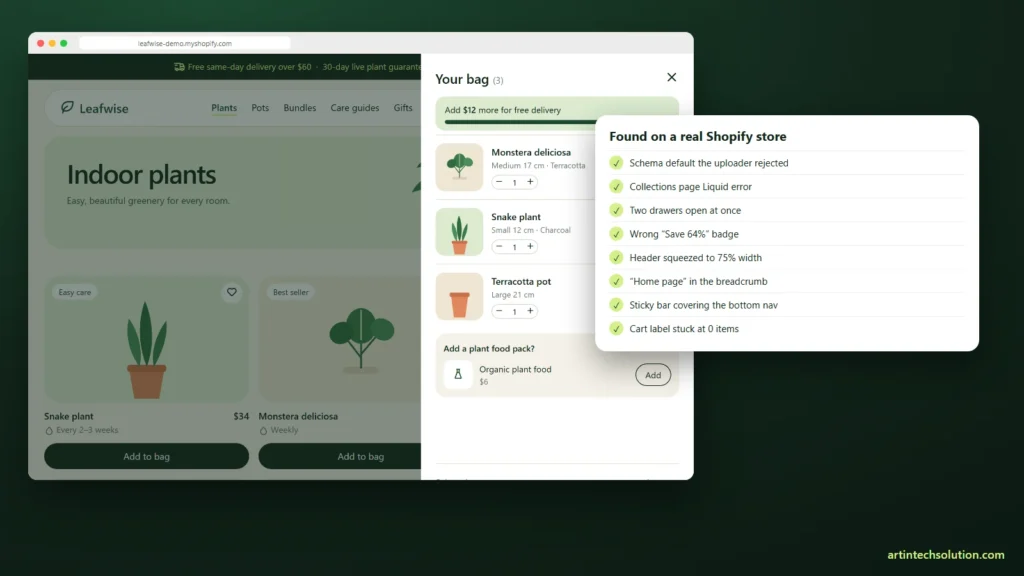
Leafwise, our Shopify theme for plant stores, left development with a clean Theme Check: 90 files, no errors, no warnings. Linting checks syntax and conventions. It does not know what your store’s data looks like, what Shopify’s uploader accepts or how two drawers behave together.
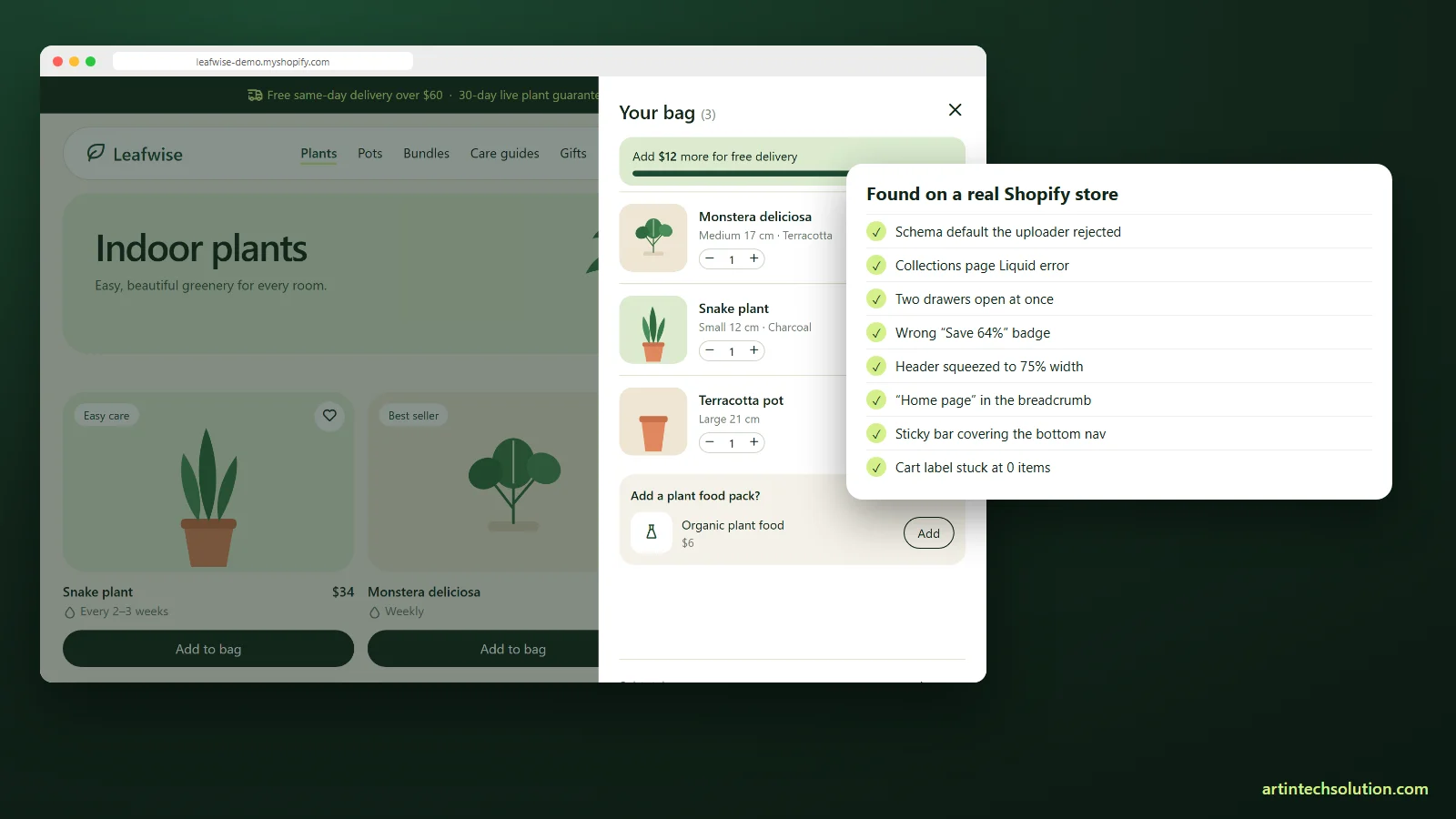
So before release we pushed the theme to a development store, imported twelve sample products and clicked through every page. This is how to test a Shopify theme properly, told through the eight bugs that run found.
About this article: every bug below happened in the real Leafwise project. Code samples are shortened.
1. A schema default the uploader rejected
The first push stopped at 98 percent. Shopify refused the newsletter section because a text setting had "default": "". Theme Check accepts an empty default; the uploader does not. Worse, every template that used the section failed with it, so the homepage and blog would not load.
Fix: leave the default out instead of setting it to an empty string.
2. A Liquid error on /collections
The collections list sorted collections before paginating them, and Shopify answered with “Array ‘collections_list’ is not paginateable”. Only the global collections object can be paginated.
{%- paginate collections by 48 -%}
  {%- assign sorted = collections | sort: 'all_products_count' -%}
  {%- for c in sorted -%} ... {%- endfor -%}
{%- endpaginate -%}
Paginate first, sort within the page. The same page also listed Shopify’s hidden “Home page” collection, which we now skip by its handle frontpage.
3. Two drawers open at once
With the cart drawer open, the search button opened the search drawer on top of it. Closing one then unlocked page scrolling while the other was still open. Opening a drawer now closes any other, and the scroll lock is only released when no drawer is open.
4. A “Save 64%” badge that was not true
The Monstera has three sizes and only the large one is reduced, from $95 to $79. The card compared product.price (the cheapest size, $34) with product.compare_at_price ($95) and showed a 64 percent discount nobody could get. The badge now loops through the variants:
{%- for v in product.variants -%}
  {%- if v.compare_at_price > v.price -%}
    {%- assign s = v.compare_at_price | minus: v.price | times: 100 | divided_by: v.compare_at_price -%}
    {%- if s > saving -%}{%- assign saving = s -%}{%- endif -%}
  {%- endif -%}
{%- endfor -%}
If only some sizes are on sale it says “Save up to 16%”. A misleading discount is more than a display bug; in many countries it is a legal problem.
5. A header squeezed to 75 percent width
On the real store the header bar stopped at about three quarters of the page. The header section had "class": "section-header" in its schema, and Shopify puts that class on the section wrapper. The theme already had a .section-header utility, a flex row for section titles. The wrapper became a flex container and the header shrank to its content.
Fix: rename the wrapper class to section-site-header, then check every section’s wrapper class against the stylesheet. No other collisions were left.
6. “Home page” in the breadcrumb
Opened directly, a product page showed Home / Home page / Monstera. The breadcrumb fell back to product.collections.first, which on a new store is Shopify’s frontpage collection. It now skips that handle and falls back to Shop.
7. The sticky bar covered the bottom navigation
On phones, the sticky add-to-bag bar and the bottom navigation sat in the same place. One line of CSS lets the bar take over while it is visible:
body:has(.sticky-atc.is-visible) .mobile-nav { transform: translateY(100%); }8. The cart still said zero items
After adding a product, the visible count updated but the cart link’s aria-label still read “Cart, 0 items”. Screen reader users heard the wrong number. The cart count section now carries the translated label in a data attribute, and the script copies it to the link after each update.
How to test a Shopify theme beyond linting
- Push to a real development store early, not only at the end
- Import realistic products: several sizes, a sale on one variant, one sold-out variant, no images
- Fetch every template and search the HTML for “Liquid error” and “translation missing”
- Open drawers, filters and the quiz in combination, not one at a time
- Check the page at desktop and phone widths, and read the accessible names of buttons
- Rebuild the zip and re-run Theme Check after every fix
All eight fixes shipped in Leafwise 1.1.0, now on sale at Charming Theme. If your own theme needs this kind of testing, see our Shopify theme development service.
Frequently asked questions
Is Theme Check enough to release a Shopify theme?
No. It catches syntax and convention problems, but not rejected uploads, data-dependent bugs or broken interactions. Test on a real store too.
Do I need a paid store to test a theme?
No. A free development store from the Shopify Partners dashboard is enough, and it can stay password-protected.
Why test with products that have no images?
Because real merchants install the theme before their photos are ready. Empty image slots show layout bugs that full demo data hides.