
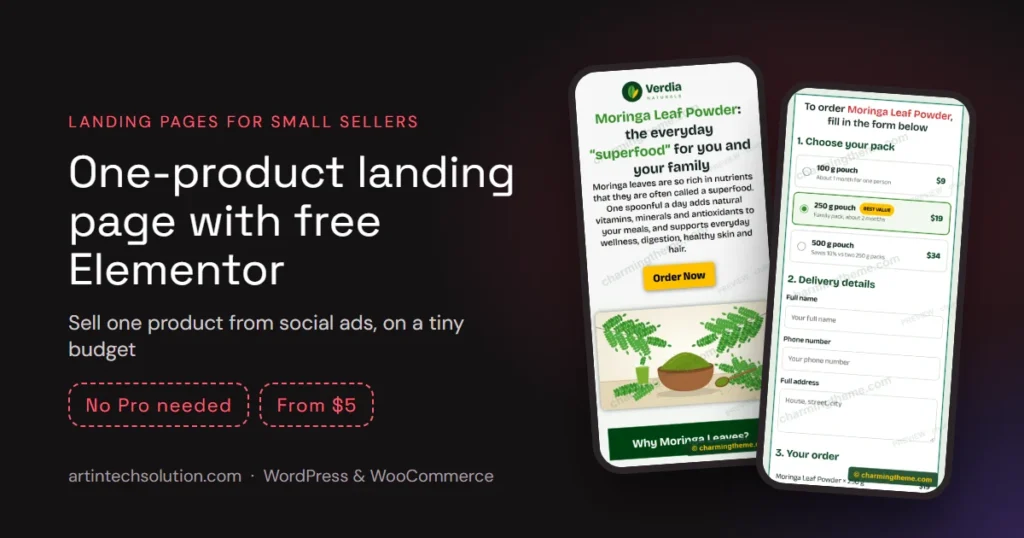
If you sell one product, a face cream, a herbal powder, a gadget, a book, you do not need a full online shop. You need one fast page that explains the product, answers the doubts people have, and takes the order before they scroll away. That page is a single product landing page, and with the free version of Elementor you can build one for very little money.
This guide is for small sellers who run Facebook or Instagram ads, want the lowest possible cost, and want to do it themselves with free Elementor. We will cover what the page needs, what it really costs, how to take orders without paid plugins, and when it is time to move up to a WooCommerce store.
Transparency note: the ready-made template mentioned below, Verdia, is sold on Charming Theme, our own template shop run by the same developer behind ArtinTech Solution. We mention it because it was built for exactly this use case; you can follow every step in this guide with any template or none at all.
The short answer
- One product, ads traffic, cash on delivery? Use a one-page landing page, not a shop. Fewer links means fewer people wandering off.
- Lowest cost: WordPress + free Elementor + a $5 template + cheap hosting. Our example below comes to about $120 for four years, including the domain for the first year.
- No Elementor Pro needed: headings, images, buttons, icon lists and one HTML widget are enough, including the order form.
- Outgrowing it? When you add more products, online payments or a courier workflow, move to WooCommerce. We build and fix those stores every week.
Why one product sells better on a landing page than in a shop
A normal shop page is surrounded by menus, categories, related products and a footer full of links. Every one of them is an exit. A landing page removes the exits and walks the visitor down one path: the promise, the proof, the details, the order form.
That matters most for visitors from social ads. They arrive on a phone, often with weak attention and a slow connection. If the page answers “what is it, why should I trust you, how much, how do I order” in one scroll, more of them order. That is why most cash-on-delivery sellers in Bangladesh, India and Pakistan use long single pages instead of shop pages.
What a single product landing page costs
Here are the realistic options, from cheapest to most expensive:
| Option | Cost and time | Best for |
|---|---|---|
| Build from scratch with free Elementor | $0 for the page, 1–2 days | People who enjoy design work |
| Ready template for free Elementor (e.g. Verdia) | $5 one-time, about 1 hour | Sellers who want to launch today |
| Elementor Pro + a template kit | Yearly Pro licence + kit, half a day | Agencies building many sites |
| Custom page built for you | Project quote, a short brief | Brands that need a unique design or a full store |
On top of the page you need hosting and a domain. As an example, Hostinger’s Premium plan cost $143.52 for 48 months at the sale price when we checked, and it includes a free domain for the first year. Add the $5 template and free Elementor, and a complete product page costs about $150 for four years, roughly $3.10 a month. See this month’s best Hostinger deal before you buy.
Prices and plan details checked on October 17, 2026. Hostinger may change them at any time; the price shown at Hostinger’s checkout is the one that applies.
The 9 sections of a landing page that sells
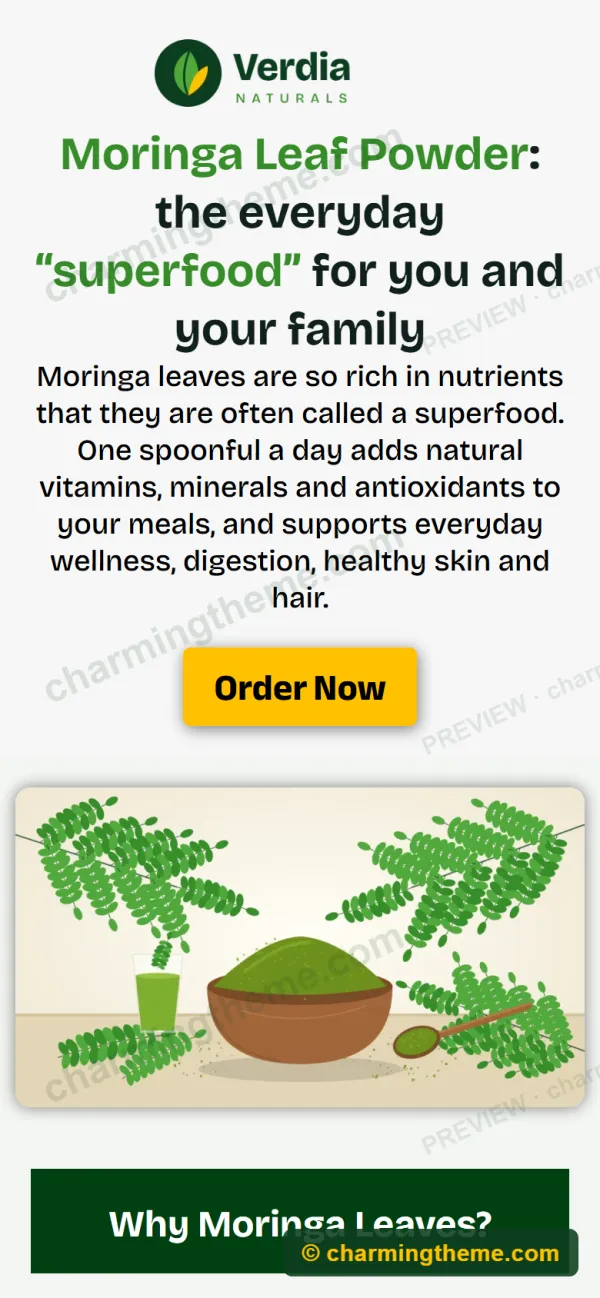
Whether you build it yourself or start from a template, the structure that works for one-product ads looks like this. The screenshots are from the Verdia demo, which sells a fictional moringa powder:
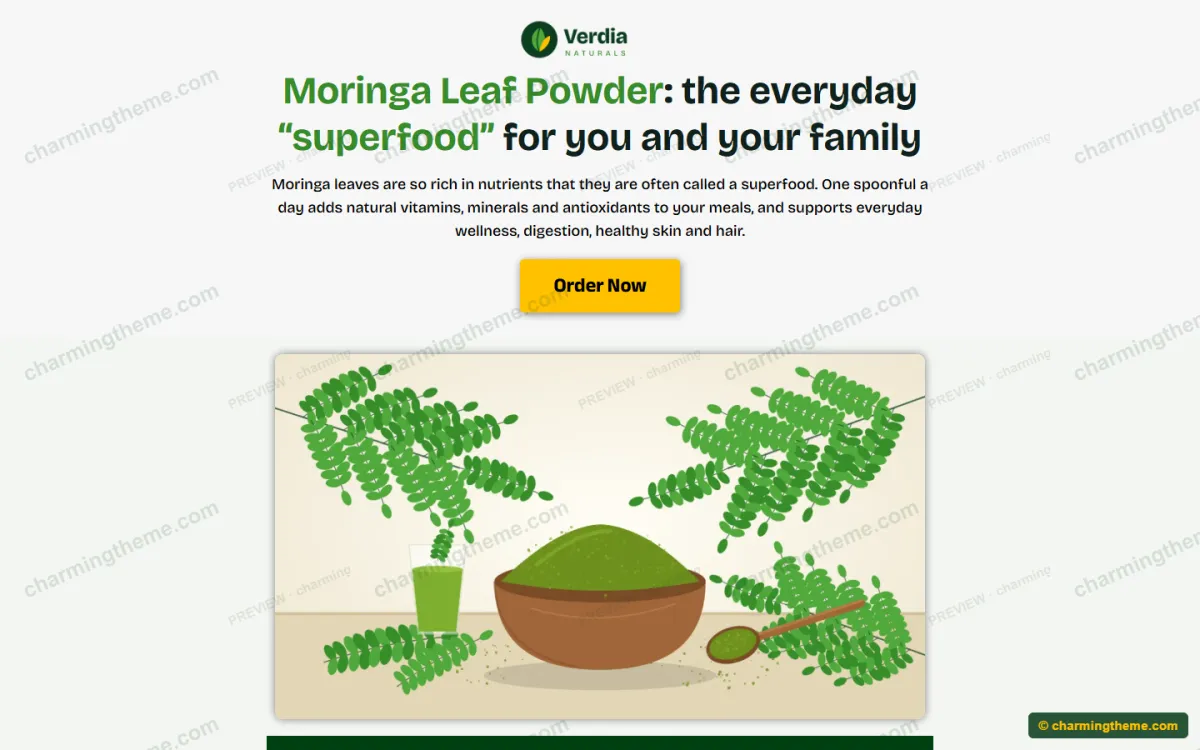
- Hero: logo, a clear headline, one-line promise and an Order Now button that jumps to the form.
- Product image or video: show the product in use, not just the box.
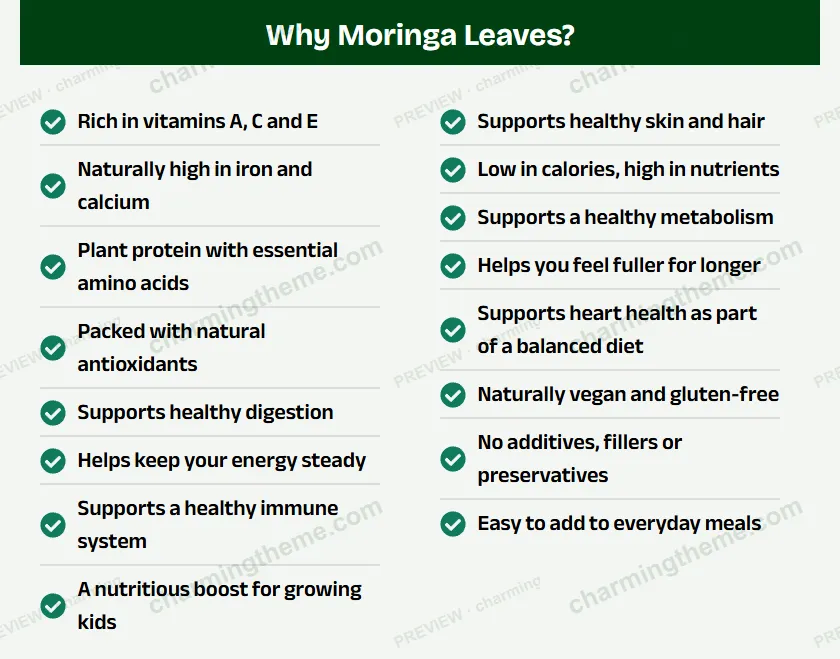
- Benefits: 6–8 short points in two columns. Short lines beat paragraphs on a phone.
- Story and second button: where the product comes from and why it is better.
- How to use / what is in the box: practical steps that make the purchase feel real.
- Product shot and trust list: cash on delivery, easy returns, delivery time, any bonus.
- Call box: a phone button for people who prefer to order by calling.
- Order form: pack options, live total, name, phone and address.
- Footer: minimal, with the contact details and policies only.
Taking orders without Elementor Pro or a form plugin
The free version of Elementor has no form widget, which stops many people. You do not need one. A single HTML widget can hold a complete order form that works for cash on delivery:
- Pack cards (for example 1, 2 or 3 units) with a “best value” badge, so customers pick the bigger pack more often.
- A live total that adds the delivery fee as soon as a pack is chosen, so there are no surprises.
- Name, phone and address fields with the phone’s autofill.
- WhatsApp ordering: the order opens in WhatsApp with the pack, total and address already typed in, ready for you to confirm.
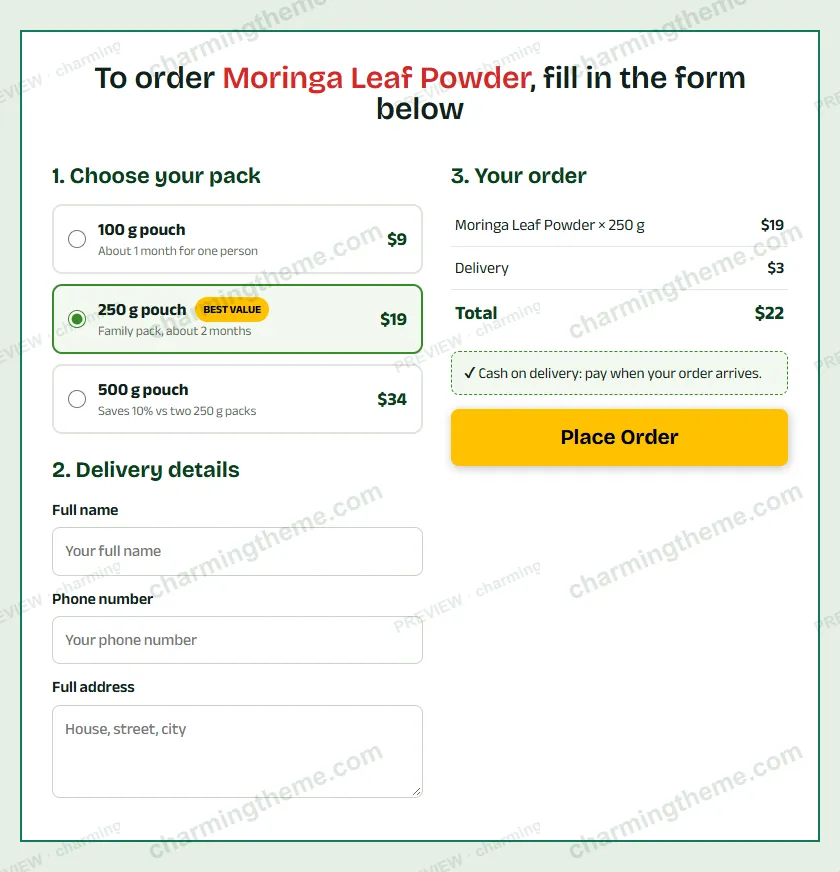
This is exactly how the Verdia template works. If you later want online payments, you can replace that one widget with a WooCommerce checkout or a form plugin and keep everything else.
How to build it with free Elementor, step by step
- Get hosting and a domain. Any host that runs WordPress well is fine. Install WordPress from the host’s dashboard.
- Install a light theme such as Hello Elementor, then install the free Elementor plugin.
- Create a page and set its layout to Elementor Canvas, so no theme header or footer distracts the visitor.
- Build the 9 sections above, or import a ready template: Templates → Saved Templates → Import, then insert it into your page. The Verdia guide shows this with screenshots.
- Replace the texts, images, prices and colours with your own. Keep the headline under 12 words.
- Connect the order form to your WhatsApp number or your checkout.
- Test on a real phone over mobile data: place a test order, check the total, check that the message reaches you.
- Add your ad tracking (for example the Meta Pixel) so you can see which ads bring orders.
- Set it as the ad destination and watch the first orders closely for a day or two.
Mistakes that cost small sellers orders
- Heavy images. A 3 MB photo can take seconds on mobile data. Export images as WebP around 1200 px wide.
- Hiding the price. People from ads want the price before they fill in a form. Show it in the pack cards.
- Too many links. Menus and links to other products leak visitors. Keep the page on one path.
- No phone number. Many first-time buyers want to call before ordering cash on delivery.
- Asking for an email address. Many customers in our region do not use email; ask for a phone number instead. We wrote about checkouts without an email address.
- Not validating phone numbers. Fake or mistyped numbers waste courier money. See how we validate Bangladeshi mobile numbers.
- A slow host. Cheap is fine; slow is not. Pick a host with LiteSpeed or good caching.
When to move from a landing page to a WooCommerce store
A landing page is the fastest, cheapest way to sell one product. You will know it is time for a WooCommerce store when:
- You sell several products or variations and customers want to browse.
- You want online payments such as bKash, Nagad, cards or SSLCommerz, not only cash on delivery. See manual bKash, Nagad and Rocket payments in WooCommerce.
- Orders arrive in WhatsApp faster than you can copy them, and you need order statuses, stock and reports.
- You ship daily and want to send orders to a courier in bulk instead of one by one; see bulk-dispatching orders to a courier API and sending orders to a courier via WhatsApp.
You can also keep both: the landing page for your ad campaigns, and a WooCommerce shop for returning customers. The landing page’s form can feed straight into WooCommerce orders.
How ArtinTech Solution can help
We are a WordPress and WooCommerce development team, and most of our clients are small and growing online sellers. Typical jobs:
- Landing page setup: we install the template on your hosting, put in your product, connect WhatsApp or WooCommerce and test it on real phones.
- WooCommerce stores built for cash on delivery: phone-first checkout, delivery charges by area, bKash and Nagad, and order emails that actually arrive.
- Order operations: custom order statuses, manual order entry for phone orders, courier integration and fulfilment tracking.
- Speed and fixes: slow pages, checkout errors, caching problems and broken plugins.
Tell us what you sell and where your orders come from, and we will suggest the cheapest setup that works. See our WordPress and WooCommerce development service or contact us.
Frequently asked questions
Can I make a landing page with free Elementor?
Yes. Headings, images, buttons, icon lists and the HTML widget are all in the free version, and that is enough for a complete single product landing page, including an order form.
What is the cheapest way to get a single product landing page?
WordPress with free Elementor, a ready template and low-cost hosting. In our example that came to about $120 for four years, including the first year of the domain. Building the page yourself from scratch costs nothing extra but takes a day or two.
Do I need WooCommerce for a landing page?
No. For cash on delivery, a form that sends the order to WhatsApp or email is enough. Add WooCommerce when you need online payments, stock or several products.
Will an Elementor landing page be fast enough for ads?
Yes, if you keep images small, use a light theme such as Hello Elementor, choose the Canvas layout and use a host with caching. Test it on a phone with mobile data before you spend money on ads.
Can you build the page for me?
Yes. We can set up a template or design a custom page, connect the order form and, when you are ready, turn it into a full WooCommerce store. Get in touch.