
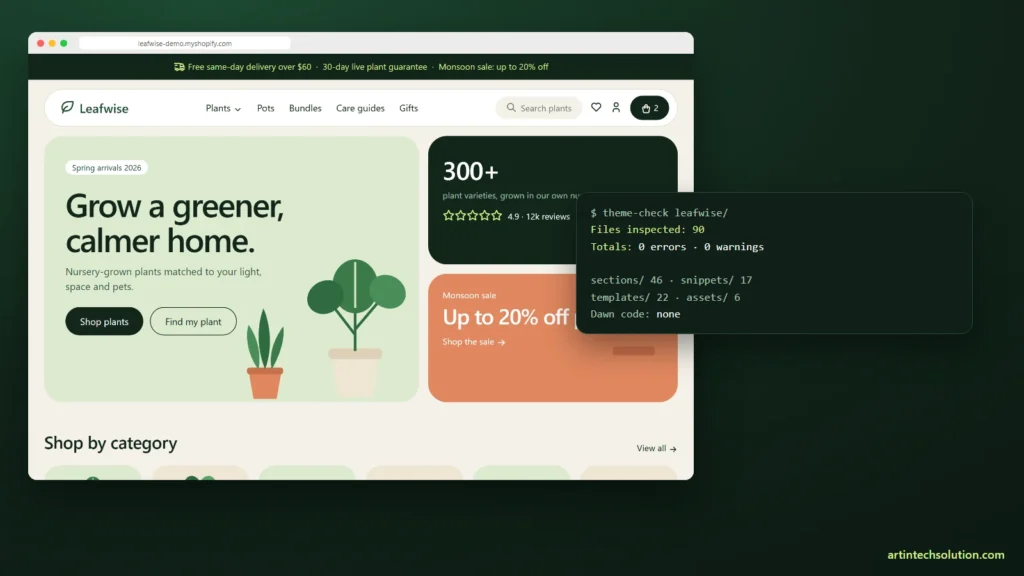
Most custom Shopify themes start as a copy of Dawn. It is free, fast and maintained by Shopify. For Leafwise, a theme for nurseries and plant stores that we sell on our own shop, that starting point was not available to us.
This is how we wrote a Shopify theme from scratch: why we did not fork Dawn, how the theme is put together, and the tooling problems we hit on the way to a clean Theme Check run.
About this article: Leafwise is our own product, so everything here is from the real project. The code samples are shortened, not invented.
Why not fork Dawn?
Dawn’s licence lets you build on it, but themes derived from Dawn may only be distributed through the Shopify Theme Store. We wanted to sell Leafwise directly, with our own pricing and licence. That meant no Dawn code at all: not the section structure, not the JavaScript, not the CSS.
Writing from an empty folder also had an upside. Every section exists because a plant shop needs it, and nothing is left over from a fashion store.
The architecture in one paragraph
Leafwise is a plain Online Store 2.0 theme: JSON templates, a header group and a footer group, and sections with blocks everywhere. Seven colour schemes live in one colour scheme group, and a snippet turns each scheme into a CSS class with custom properties, so any section can switch scheme with one setting. There is no framework and no build step. Interactive parts are small custom elements in four deferred files.
side-drawerandcart-drawerfor the menu, search and cartproduct-form,variant-picker,media-galleryandsticky-atcon product pagesfacets-areafor filters without reloading,predictive-searchfor suggestionsplant-quizandfilter-tabson the homepage
The cart: one request, every section updated
Adding to the cart has to update the drawer, the header count and the mobile navigation at once. The Section Rendering API does that in the same request: we ask Shopify to render the sections we need and swap their HTML.
formData.append('sections', 'cart-drawer,cart-count');
formData.append('sections_url', window.location.pathname);
const res = await fetch('/cart/add.js', { method: 'POST', body: formData });
const data = await res.json();
// data.sections['cart-drawer'] is fresh HTML for the drawer
Every element that shows cart data carries a data-cart-section attribute, so new places that display the cart only need the attribute, not new JavaScript.
Theme Check said “0 files inspected”
On Windows, shopify theme check ran without errors and reported zero files inspected, from any folder we tried. A clean result that checked nothing is worse than an error. We called the same checker directly through its Node package instead:
const { themeCheckRun } = require('@shopify/theme-check-node');
const { offenses, theme } = await themeCheckRun(root, undefined, console.error);
console.log('Files inspected:', theme.length);
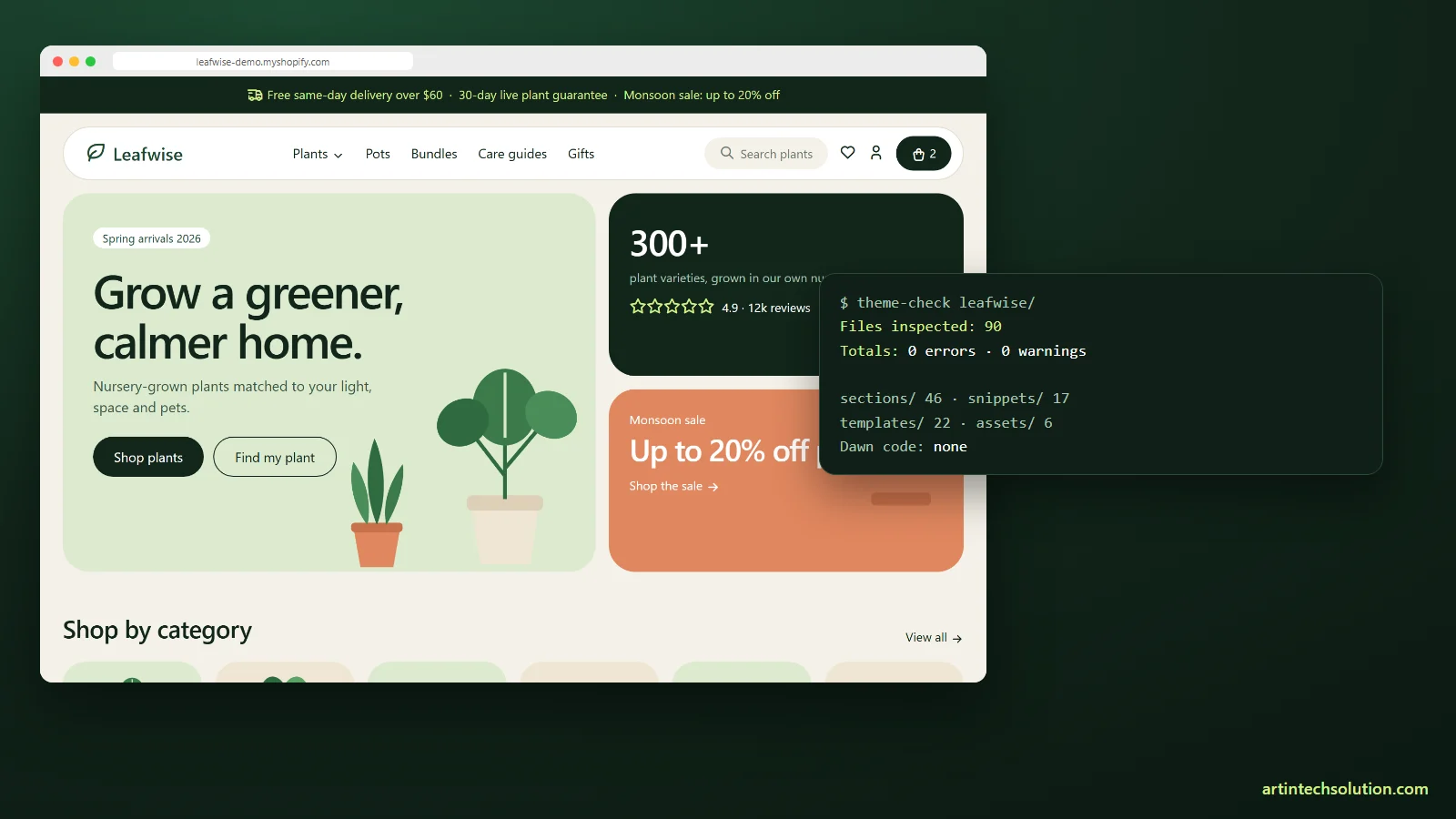
It found one error and four warnings, an over-long section name among them. After the fixes: 90 files, 0 errors, 0 warnings.
The zip Shopify may reject
PowerShell’s Compress-Archive wrote the zip with backslashes in the entry paths, so sections\header.liquid instead of sections/header.liquid. Some unzip tools and uploaders do not accept that. We build the zip with .NET’s ZipArchive and write every entry path with forward slashes ourselves.
$rel = $file.FullName.Substring($src.Length + 1).Replace('\', '/')
[IO.Compression.ZipFileExtensions]::CreateEntryFromFile($zip, $file.FullName, $rel)
What we would do the same way again
- No framework: four small script files load faster than any bundle and are easy to read
- Section Rendering API for everything the cart touches
- Run Theme Check from the Node package in CI, and fail the build if no files were inspected
- Test on a real development store early. Theme Check passed, but the store still found eight bugs, which is the subject of our next article
Leafwise itself is on sale at Charming Theme. If you need a Shopify theme built from scratch for your own store, see our Shopify theme development service.
Frequently asked questions
Can I sell a theme based on Dawn outside the Theme Store?
Dawn’s licence only allows derived themes to be distributed through the Shopify Theme Store. To sell elsewhere, write your own code.
How long does a theme from scratch take compared to a Dawn fork?
Longer at the start, because the cart, filters and variant logic are yours to write. In return you own every line and carry no unused code.
Do I need a build step for a modern Shopify theme?
No. Plain CSS with custom properties and small custom elements cover everything Leafwise needs.