
Patching closes the door. It does not remove anyone who already walked through. Attacks against the PHP flaws began before the official fix appeared on October 21, 2026, so a patched VPS can still be a compromised VPS. These four checks take about ten minutes. Adjust the paths to your own application.
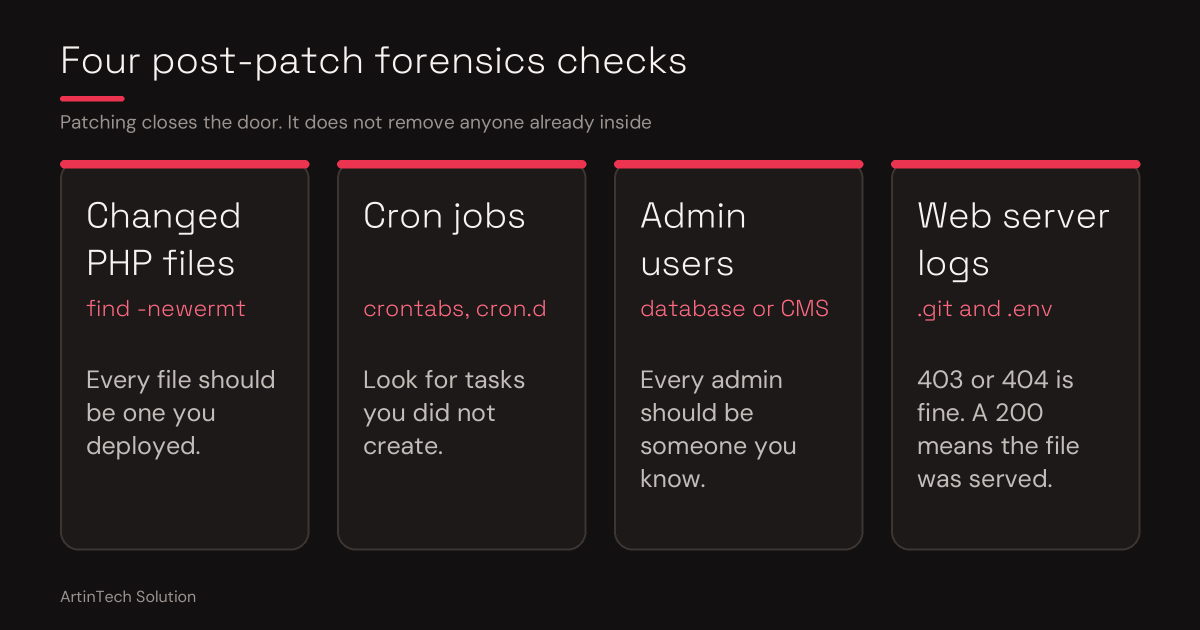
1. PHP files that changed since the trouble started
find /var/www/yourapp -name "*.php" -newermt 2026-10-01Every name in the list should be a file you deployed. An unfamiliar file, or a PHP file in an odd folder such as uploads or cache, is suspicious.
2. Cron jobs you did not create
ls /var/spool/cron/crontabs /etc/cron.dCheck the www-data crontab especially. Attackers who enter through your website normally run as the web user. Files in /etc/cron.d should come from the system or from PHP packages.
3. Unknown admin users in your database
mysql yourapp -e "SELECT email, role, created_at FROM users WHERE role='admin';"Every admin should be someone you know, created when you expect. On WordPress, use wp user list --role=administrator.
4. Scanner traces in the web server logs
zgrep -iE "\.git|\.env" /var/log/nginx/access.log*This also reads compressed, rotated logs. Requests from strangers for /.git/config or .env are typical bot scanning, not a direct PHP-to-shell attack. A 403 or 404 means your server turned them away. A 200 means the file was served, so treat every secret in it as leaked.
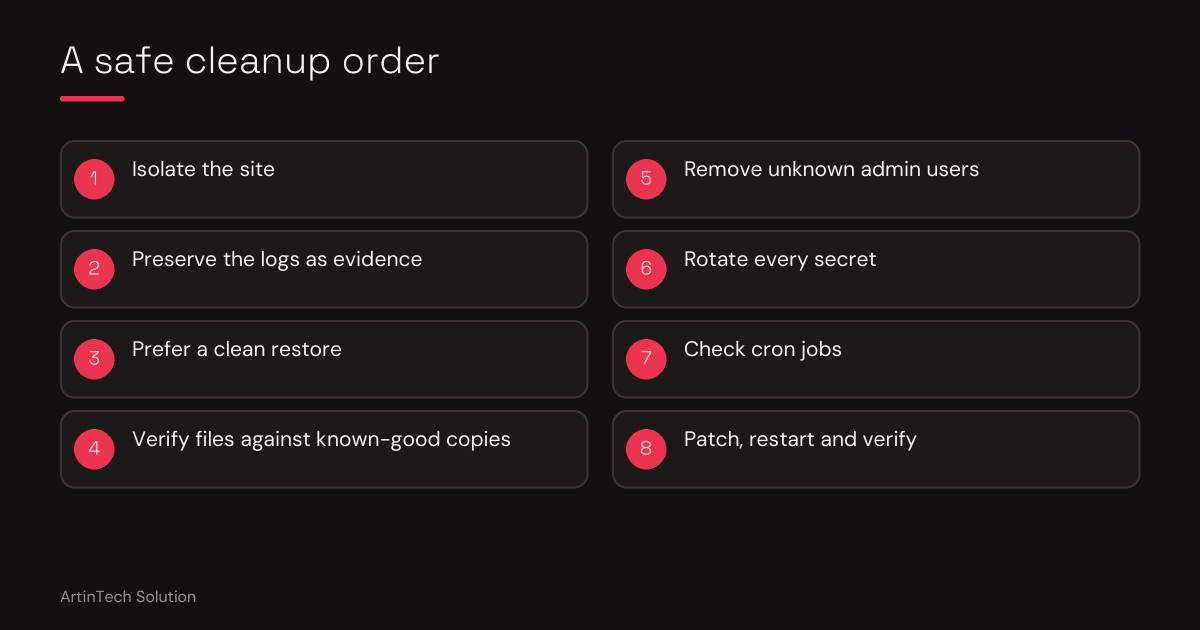
If a check looks wrong
- Rotate database passwords, API keys and every secret your app holds
- If your suspicion is strong, restore the whole site from a known-clean backup instead of cleaning it by hand
- Keep copies of the logs before you change anything
Why an expert helps here
These commands show you symptoms. Reading them correctly is the hard part: telling a harmless leftover from a hidden web shell, knowing what an attacker may have touched, and deciding between cleaning and restoring. A wrong guess either wastes days or leaves the attacker in.
What ArtinTech Solution does
- Runs these checks and goes further than them, across files, cron jobs, users and logs
- Explains in plain language what was found and what it means for your business
- Advises on cleaning versus restoring, and on which secrets to rotate
- Verifies the server is patched and hardened afterwards
Think someone may already be inside? Hire ArtinTech Solution experts today for professional security audits, PHP upgrades, and emergency fixes.